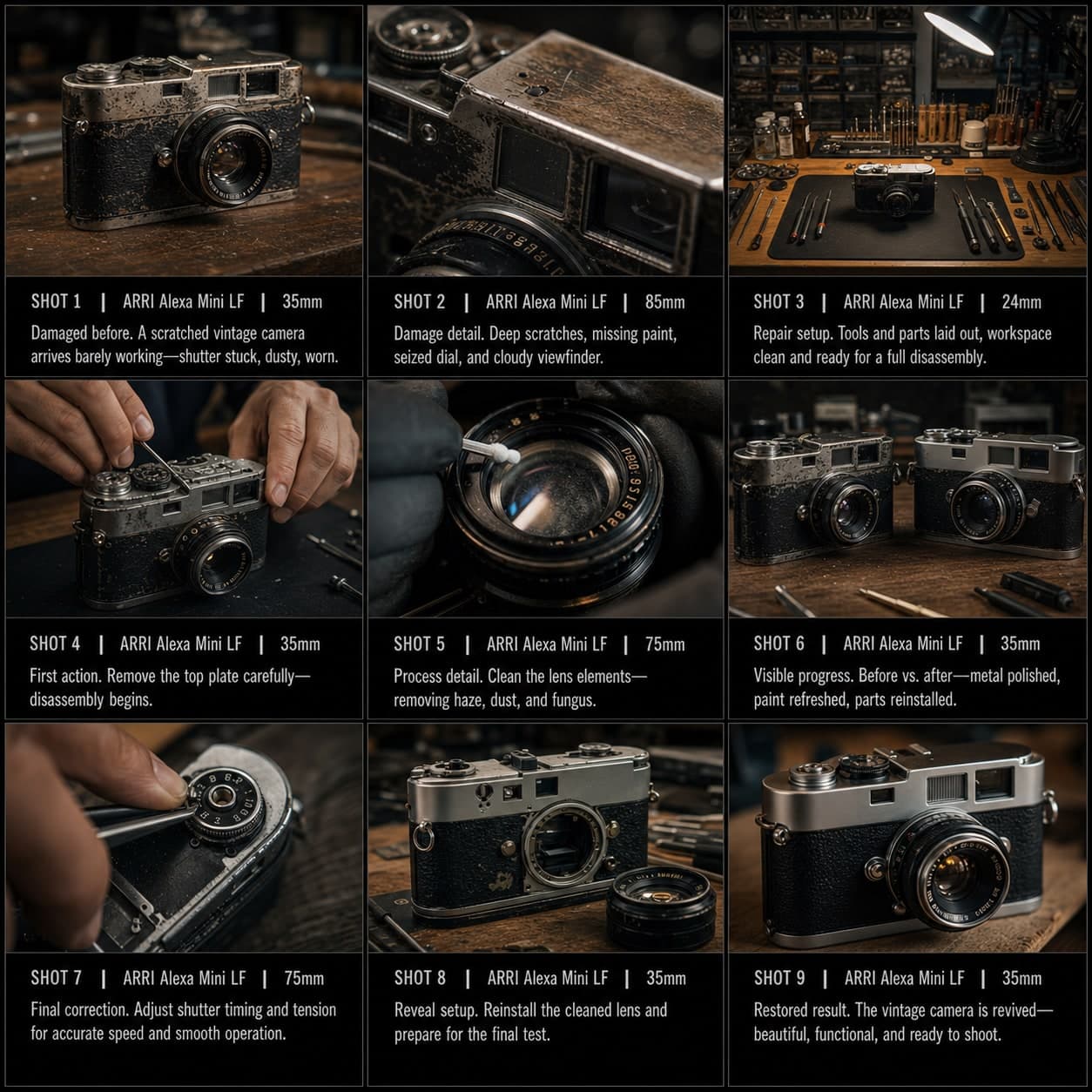
Food Recipe Hero Storyboard Template
Turn one food concept into a visually rich cooking sequence from ingredients to hero beauty shot. A food recipe storyboard template for cooking videos.
What this template is for
Turn one food concept into a visually rich cooking or plating sequence.
When to use it
Best for
- recipe videos
- food content
- cooking sequences
9-panel sequence structure
| # | Shot | Purpose | Camera |
|---|---|---|---|
| 01 | Final dish preview | Show the finished food first | Hero food shot |
| 02 | Ingredient setup | Show key ingredients | Ingredient flat lay / medium wide |
| 03 | Texture ingredient detail | Highlight freshness or texture | Macro |
| 04 | Hands-in-action step | Show cooking action | Hands close-up |
| 05 | Transformation moment | Show mixing, frying, pouring, melting, etc. | Action close-up |
| 06 | Sensory detail | Emphasize steam, sauce, crunch, or gloss | Macro detail |
| 07 | Plating moment | Show composition and care | Medium close-up |
| 08 | First bite / serving reaction | Show enjoyment or serving payoff | Reaction shot |
| 09 | Final beauty shot | End on irresistible hero image | Final food hero frame |
01Final dish preview
Show the finished food first
Hero food shot
02Ingredient setup
Show key ingredients
Ingredient flat lay / medium wide
03Texture ingredient detail
Highlight freshness or texture
Macro
04Hands-in-action step
Show cooking action
Hands close-up
05Transformation moment
Show mixing, frying, pouring, melting, etc.
Action close-up
06Sensory detail
Emphasize steam, sauce, crunch, or gloss
Macro detail
07Plating moment
Show composition and care
Medium close-up
08First bite / serving reaction
Show enjoyment or serving payoff
Reaction shot
09Final beauty shot
End on irresistible hero image
Final food hero frame
Your story
Describe your scene or story in one sentence. The prompt below updates in real time. Leave empty to use the example story.
Prompt preview
Create a square 3x3 2048x2048 storyboard grid as a cinematic storyboard infographic showing turn one food concept into a visually rich cooking or plating sequence: A chef builds a bowl of spicy miso ramen from final-dish promise to broth, noodles, chashu, steam, egg placement, first bite, and final beauty shot. The template sells texture, process, and appetite.

Use dark moody high-end film stills, realistic lighting, subtle teal-and-amber color grade, shallow depth of field, atmospheric dust and shadows. Maintain consistent subject identity, wardrobe, location type, visual medium, lighting, and color palette across all panels. If a reference image is provided, use it as the visual anchor for the subject, world, and style; if no reference image is provided, synthesize one coherent world from the story.

Plan the 9 storyboard panels yourself from the story and the template rhythm, then render the final infographic. Story facts must not change: preserve the named relationship, setting, key object, reveal, cause, and emotional meaning from the story. Do not replace the story's key object with a different document, incident, crime, accident, or backstory.

Arrange the storyboard in a clean 3x3 grid with thin black borders. Each tile must have a large crop-safe cinematic image area and a separate dark information strip below it. The image area must contain no text, labels, captions, UI, watermarks, or typography. Put all written information only in the strip below each image.

Sequence rhythm: Final dish preview → ingredient setup → texture detail → hands-in-action → transformation → sensory detail → plating → first bite → beauty shot

Use this template structure as the shot grammar, but adapt every panel to the concrete story:
1. Final dish preview (top-left) — Hero food shot, 35mm. Purpose: Show the finished food first. Suggested strip pattern: "SHOT 1 | ARRI Alexa Mini LF | 35mm | [write the concrete story beat you plan for this panel]"
2. Ingredient setup (top-center) — Ingredient flat lay / medium wide, 24mm. Purpose: Show key ingredients. Suggested strip pattern: "SHOT 2 | ARRI Alexa Mini LF | 24mm | [write the concrete story beat you plan for this panel]"
3. Texture ingredient detail (top-right) — Macro, 35mm. Purpose: Highlight freshness or texture. Suggested strip pattern: "SHOT 3 | ARRI Alexa Mini LF | 35mm | [write the concrete story beat you plan for this panel]"
4. Hands-in-action step (middle-left) — Hands close-up, 75mm. Purpose: Show cooking action. Suggested strip pattern: "SHOT 4 | ARRI Alexa Mini LF | 75mm | [write the concrete story beat you plan for this panel]"
5. Transformation moment (center) — Action close-up, 75mm. Purpose: Show mixing, frying, pouring, melting, etc.. Suggested strip pattern: "SHOT 5 | ARRI Alexa Mini LF | 75mm | [write the concrete story beat you plan for this panel]"
6. Sensory detail (middle-right) — Macro detail, 75mm. Purpose: Emphasize steam, sauce, crunch, or gloss. Suggested strip pattern: "SHOT 6 | ARRI Alexa Mini LF | 75mm | [write the concrete story beat you plan for this panel]"
7. Plating moment (bottom-left) — Medium close-up, 75mm. Purpose: Show composition and care. Suggested strip pattern: "SHOT 7 | ARRI Alexa Mini LF | 75mm | [write the concrete story beat you plan for this panel]"
8. First bite / serving reaction (bottom-center) — Reaction shot, 35mm. Purpose: Show enjoyment or serving payoff. Suggested strip pattern: "SHOT 8 | ARRI Alexa Mini LF | 35mm | [write the concrete story beat you plan for this panel]"
9. Final beauty shot (bottom-right) — Final food hero frame, 35mm. Purpose: End on irresistible hero image. Suggested strip pattern: "SHOT 9 | ARRI Alexa Mini LF | 35mm | [write the concrete story beat you plan for this panel]"

Each information strip must show the planned panel title, shot metadata, and the concrete story beat in plain English. The strip text must include the story's key object and reveal where relevant, so the sequence cannot be mistaken for a different incident. Use clear numbered scene titles, compact metadata, and concise action subtitles in the information strips. Use plain text only: no emojis, no decorative symbols, no fake app UI text, and no real brand logos or copyrighted marks. Make each panel visually distinct through shot scale, camera angle, lens feeling, blocking, foreground/background layering, and subject movement. Exactly 9 panels, no extra panels, no merged panels, no duplicate compositions, no speech bubbles, no lorem ipsum, high-detail professional storyboard sheet.
Copy the prompt and paste it into ChatGPT along with your reference image to generate a storyboard sheet. chatgpt.com →