Modèle de storyboard Accroche drama manhua
Créer une ouverture de court-métrage dramatique à haute tension avec une énergie de cliffhanger instantanée. Un modèle de storyboard drama manhua pour les séquences d'accroche de conflit.
À quoi sert ce modèle
Créer une ouverture de court-métrage dramatique à haute tension avec une énergie de cliffhanger instantanée.
Quand l'utiliser
Idéal pour
- ouvertures drama manhua
- accroches de conflit
- séquences cliffhanger
Structure de séquence à 9 panneaux
| # | Plan | Objectif | Caméra |
|---|---|---|---|
| 01 | Réplique choc | Ouvrir avec une réplique conflictuelle ou accusation | Gros plan serré |
| 02 | Humiliation ou crise | Montrer le protagoniste vulnérable ou sous pression | Plan moyen |
| 03 | Pression de l'adversaire | Montrer l'antagoniste intensifiant la situation | Plan moyen dominant |
| 04 | Réaction faible | Montrer blessure, silence ou retenue émotionnelle du protagoniste | Gros plan |
| 05 | Entrée inattendue | Introduire une nouvelle personne ou force dans la scène | Plan large entrée |
| 06 | Indice d'identité | Révéler un indice visuel de statut ou identité cachée | Insert / détail |
| 07 | Choc de la foule | Montrer les témoins réagissant dramatiquement | Réaction de groupe |
| 08 | Renversement de pouvoir | Inverser la dynamique de pouvoir | Plan héroïque confrontation |
| 09 | Beat cliffhanger | Terminer sur un fort retournement non résolu | Plan final cliffhanger |
Ouvrir avec une réplique conflictuelle ou accusation
Montrer le protagoniste vulnérable ou sous pression
Montrer l'antagoniste intensifiant la situation
Montrer blessure, silence ou retenue émotionnelle du protagoniste
Introduire une nouvelle personne ou force dans la scène
Révéler un indice visuel de statut ou identité cachée
Montrer les témoins réagissant dramatiquement
Inverser la dynamique de pouvoir
Terminer sur un fort retournement non résolu
Votre histoire
Décrivez votre scène ou histoire en une phrase. Le prompt ci-dessous se met à jour en temps réel. Laissez vide pour utiliser l'exemple.
Aperçu du Prompt
Create a square 3x3 2048x2048 storyboard grid as a cinematic storyboard infographic showing create a high-conflict short-drama opening with instant tension and cliffhanger energy: At a luxury engagement banquet, a young woman is publicly accused of being an impostor. A hidden document, an unexpected entrance, and the crowd's reaction flip the power dynamic into a cliffhanger.

Use dark moody high-end film stills, realistic lighting, subtle teal-and-amber color grade, shallow depth of field, atmospheric dust and shadows. Maintain consistent subject identity, wardrobe, location type, visual medium, lighting, and color palette across all panels. If a reference image is provided, use it as the visual anchor for the subject, world, and style; if no reference image is provided, synthesize one coherent world from the story.

Plan the 9 storyboard panels yourself from the story and the template rhythm, then render the final infographic. Story facts must not change: preserve the named relationship, setting, key object, reveal, cause, and emotional meaning from the story. Do not replace the story's key object with a different document, incident, crime, accident, or backstory.

Arrange the storyboard in a clean 3x3 grid with thin black borders. Each tile must have a large crop-safe cinematic image area and a separate dark information strip below it. The image area must contain no text, labels, captions, UI, watermarks, or typography. Put all written information only in the strip below each image.

Sequence rhythm: Shocking line → humiliation → opponent pressure → weak reaction → unexpected entrance → identity hint → crowd shock → power reversal → cliffhanger

Use this template structure as the shot grammar, but adapt every panel to the concrete story:
1. Shocking line (top-left) — Tight close-up, 75mm. Purpose: Open with a conflict-heavy line or accusation. Suggested strip pattern: "SHOT 1 | ARRI Alexa Mini LF | 75mm | [write the concrete story beat you plan for this panel]"
2. Humiliation or crisis (top-center) — Medium, 35mm. Purpose: Show protagonist in a vulnerable or pressured state. Suggested strip pattern: "SHOT 2 | ARRI Alexa Mini LF | 35mm | [write the concrete story beat you plan for this panel]"
3. Opponent pressure (top-right) — Dominant medium shot, 35mm. Purpose: Show the antagonist intensifying the situation. Suggested strip pattern: "SHOT 3 | ARRI Alexa Mini LF | 35mm | [write the concrete story beat you plan for this panel]"
4. Weak reaction (middle-left) — Close-up, 75mm. Purpose: Show protagonist's hurt, silence, or emotional restraint. Suggested strip pattern: "SHOT 4 | ARRI Alexa Mini LF | 75mm | [write the concrete story beat you plan for this panel]"
5. Unexpected entrance (center) — Entrance wide, 24mm. Purpose: Introduce a new person or force entering the scene. Suggested strip pattern: "SHOT 5 | ARRI Alexa Mini LF | 24mm | [write the concrete story beat you plan for this panel]"
6. Identity hint (middle-right) — Insert / detail, 85mm. Purpose: Reveal a visual clue to status or hidden identity. Suggested strip pattern: "SHOT 6 | ARRI Alexa Mini LF | 85mm | [write the concrete story beat you plan for this panel]"
7. Crowd shock (bottom-left) — Group reaction, 35mm. Purpose: Show bystanders reacting dramatically. Suggested strip pattern: "SHOT 7 | ARRI Alexa Mini LF | 35mm | [write the concrete story beat you plan for this panel]"
8. Power reversal (bottom-center) — Hero confrontation shot, 35mm. Purpose: Flip the power dynamic. Suggested strip pattern: "SHOT 8 | ARRI Alexa Mini LF | 35mm | [write the concrete story beat you plan for this panel]"
9. Cliffhanger beat (bottom-right) — Cliffhanger final frame, 35mm. Purpose: End on a strong unresolved turn. Suggested strip pattern: "SHOT 9 | ARRI Alexa Mini LF | 35mm | [write the concrete story beat you plan for this panel]"

Each information strip must show the planned panel title, shot metadata, and the concrete story beat in plain English. The strip text must include the story's key object and reveal where relevant, so the sequence cannot be mistaken for a different incident. Use clear numbered scene titles, compact metadata, and concise action subtitles in the information strips. Use plain text only: no emojis, no decorative symbols, no fake app UI text, and no real brand logos or copyrighted marks. Make each panel visually distinct through shot scale, camera angle, lens feeling, blocking, foreground/background layering, and subject movement. Exactly 9 panels, no extra panels, no merged panels, no duplicate compositions, no speech bubbles, no lorem ipsum, high-detail professional storyboard sheet.
Copiez le prompt et collez-le dans ChatGPT avec votre image de référence pour générer un storyboard. chatgpt.com →
Modèles similaires
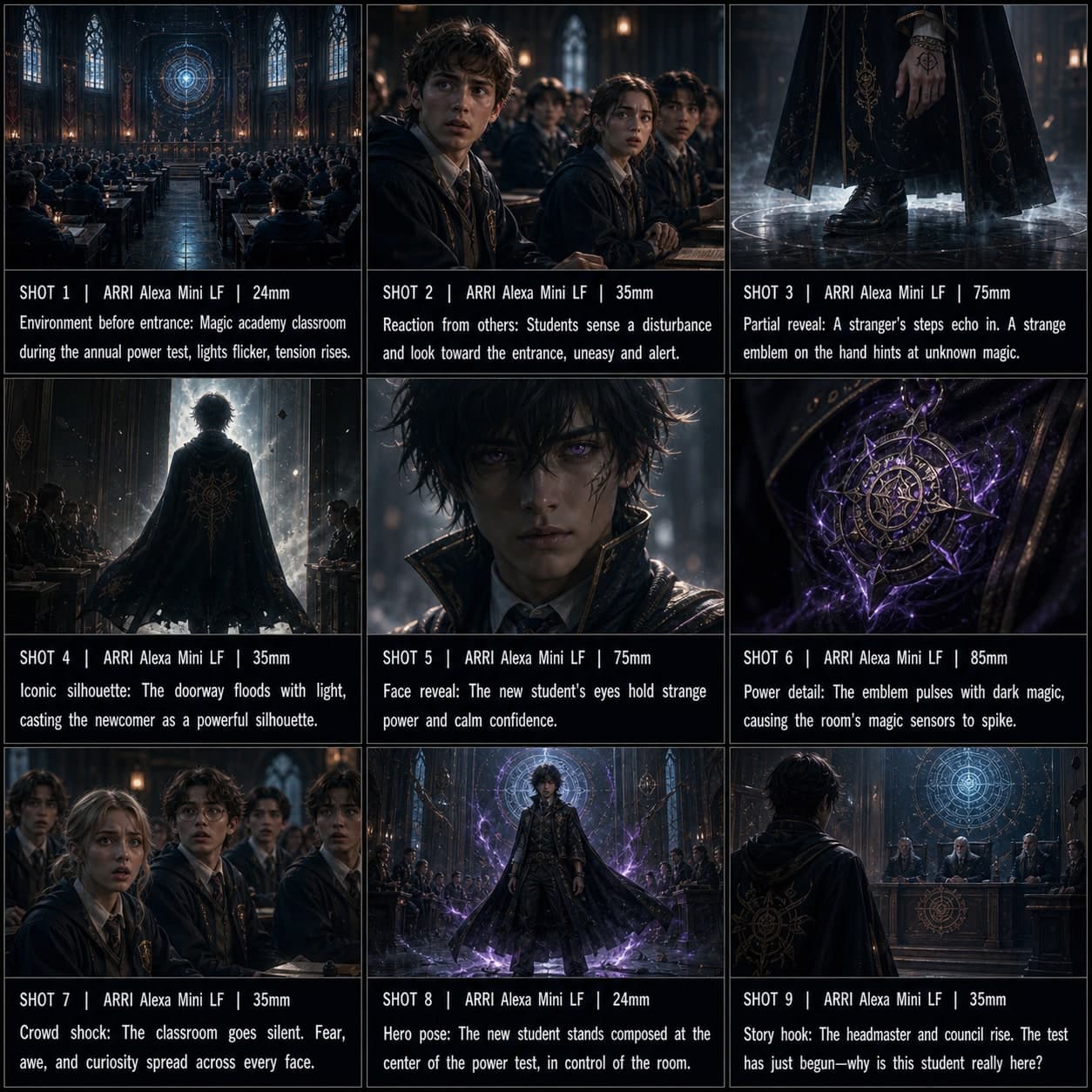 3×3
3×3Modèle de storyboard Entrée de personnage anime
Introduire un personnage avec une entrée dramatique style anime, des plans de réaction et une pose héros iconique. Un modèle de storyboard de personnage anime pour les visual novels.
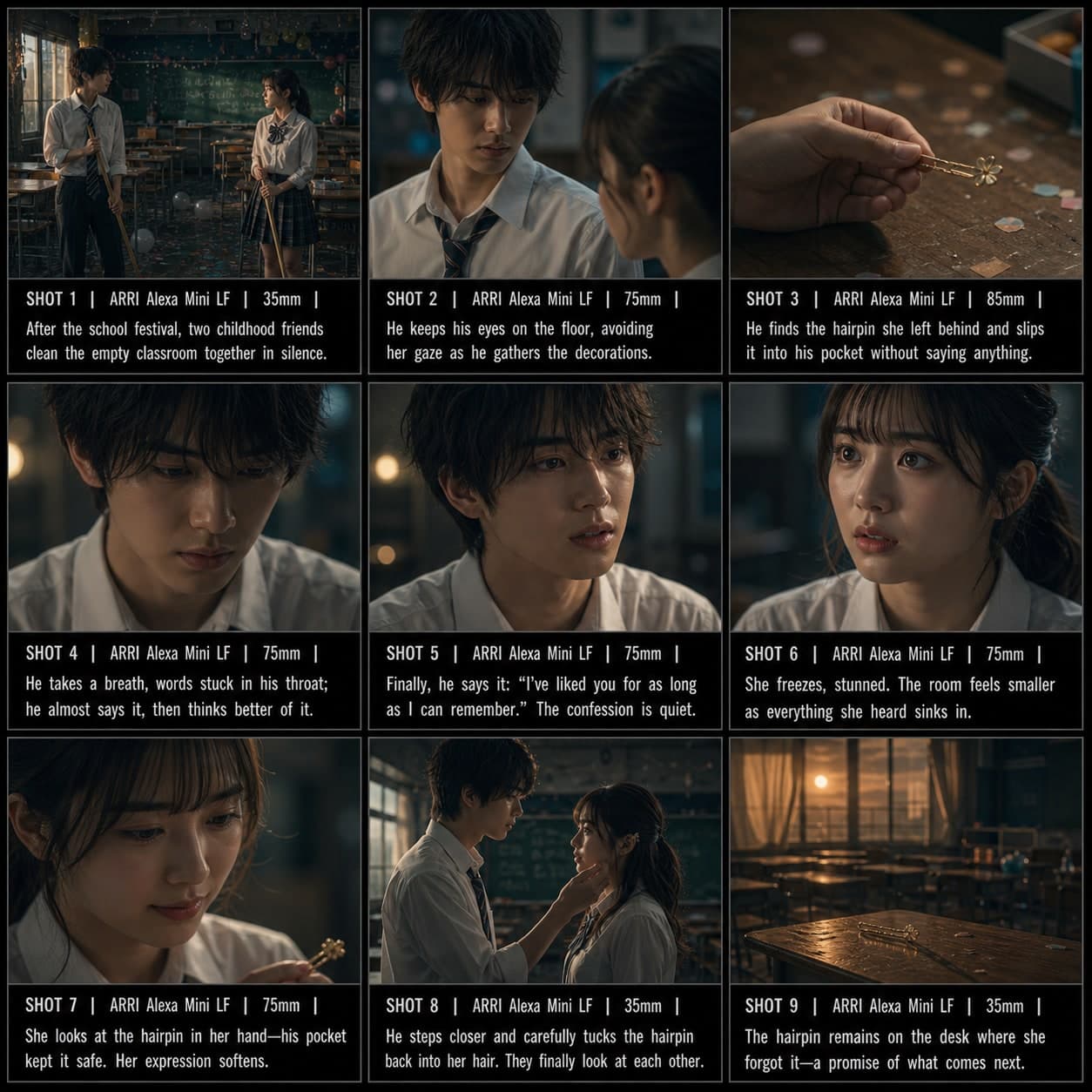 3×3
3×3Modèle de storyboard Confession romantique
Structurer une confession romantique avec hésitation, vulnérabilité et intimité émotionnelle. Un modèle de storyboard de confession romantique pour les scènes anime et drama.
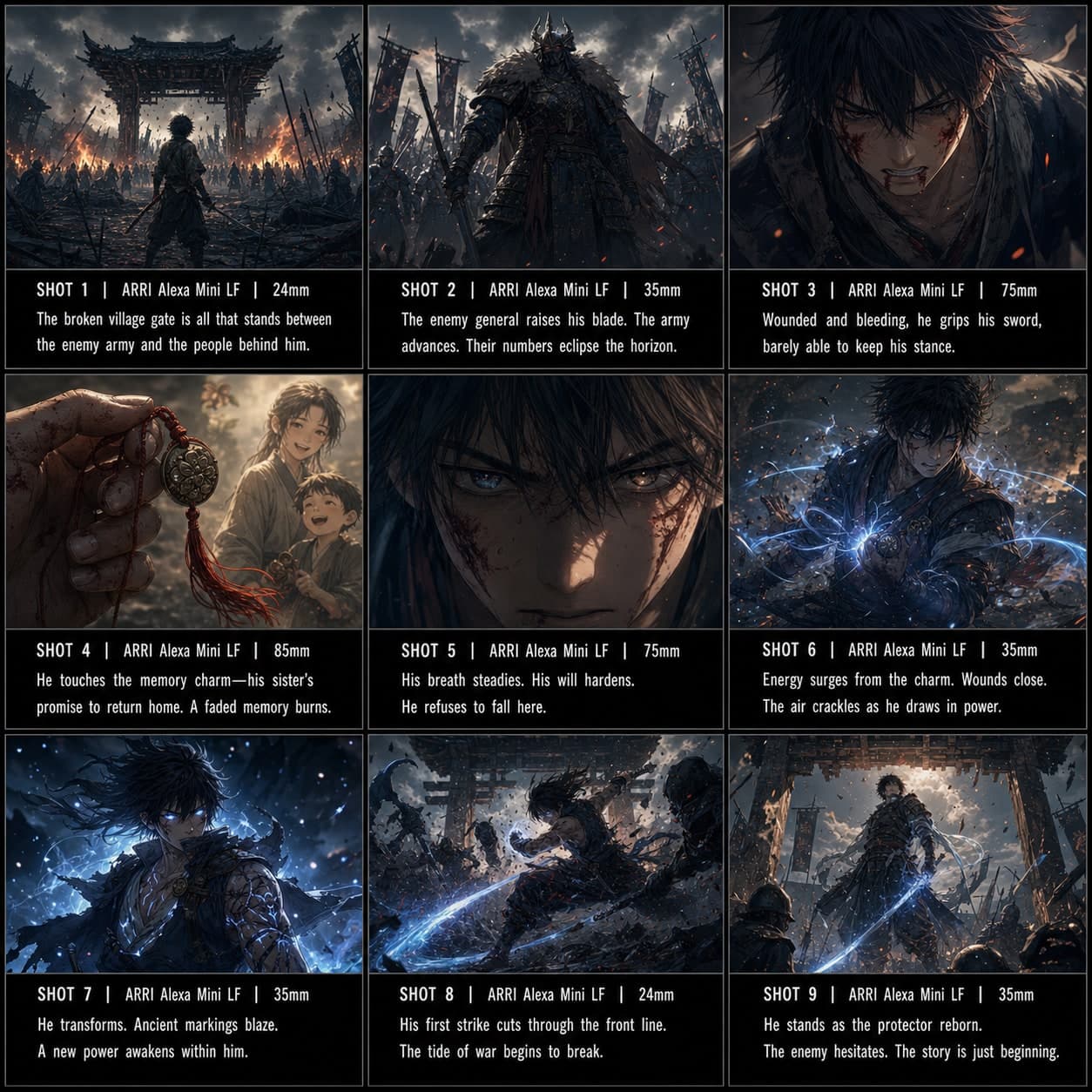 3×3
3×3Modèle de storyboard Combat / Power-up
Construire une séquence d'éveil ou de power-up style anime avant une contre-attaque décisive. Un modèle de storyboard de combat pour les scènes d'action anime.