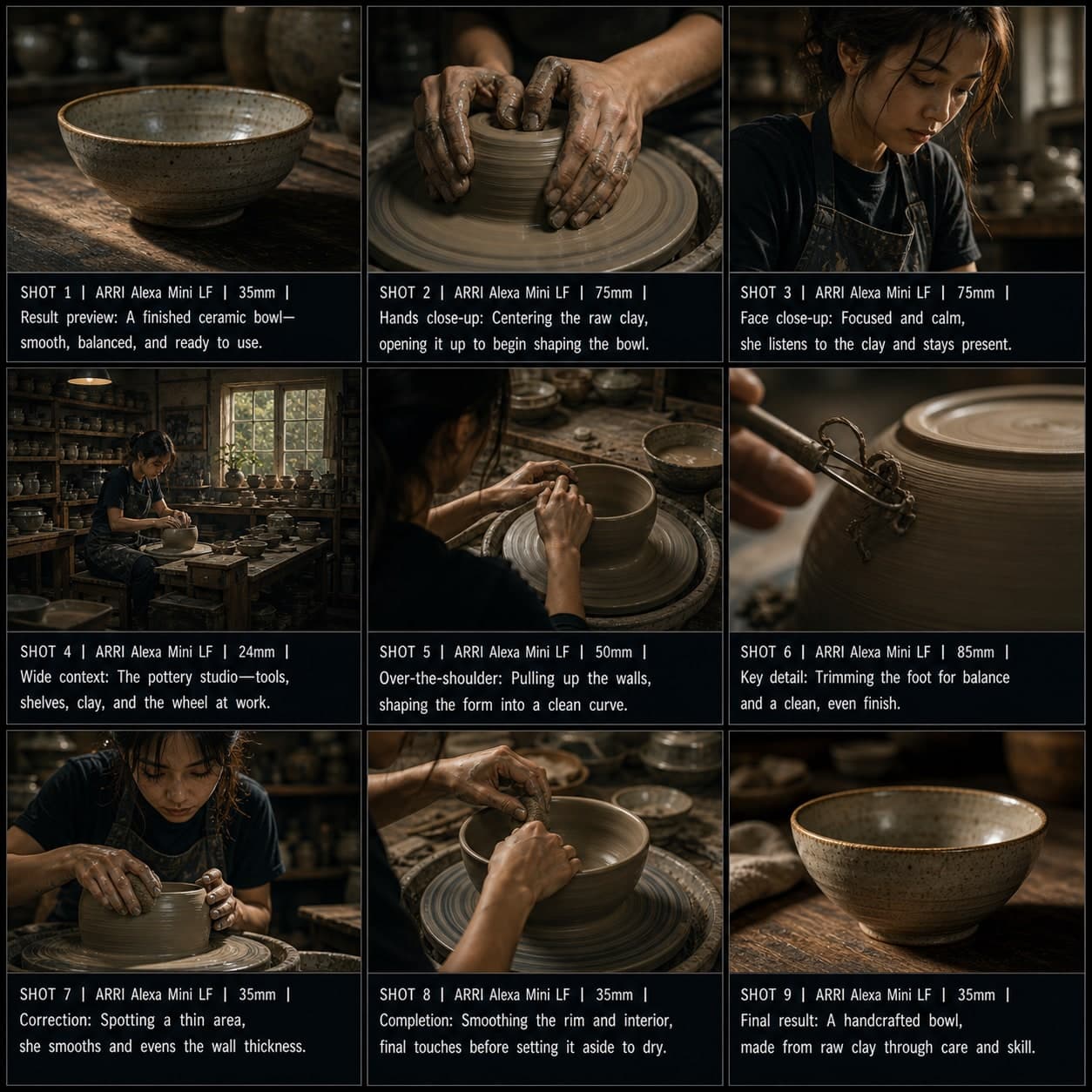
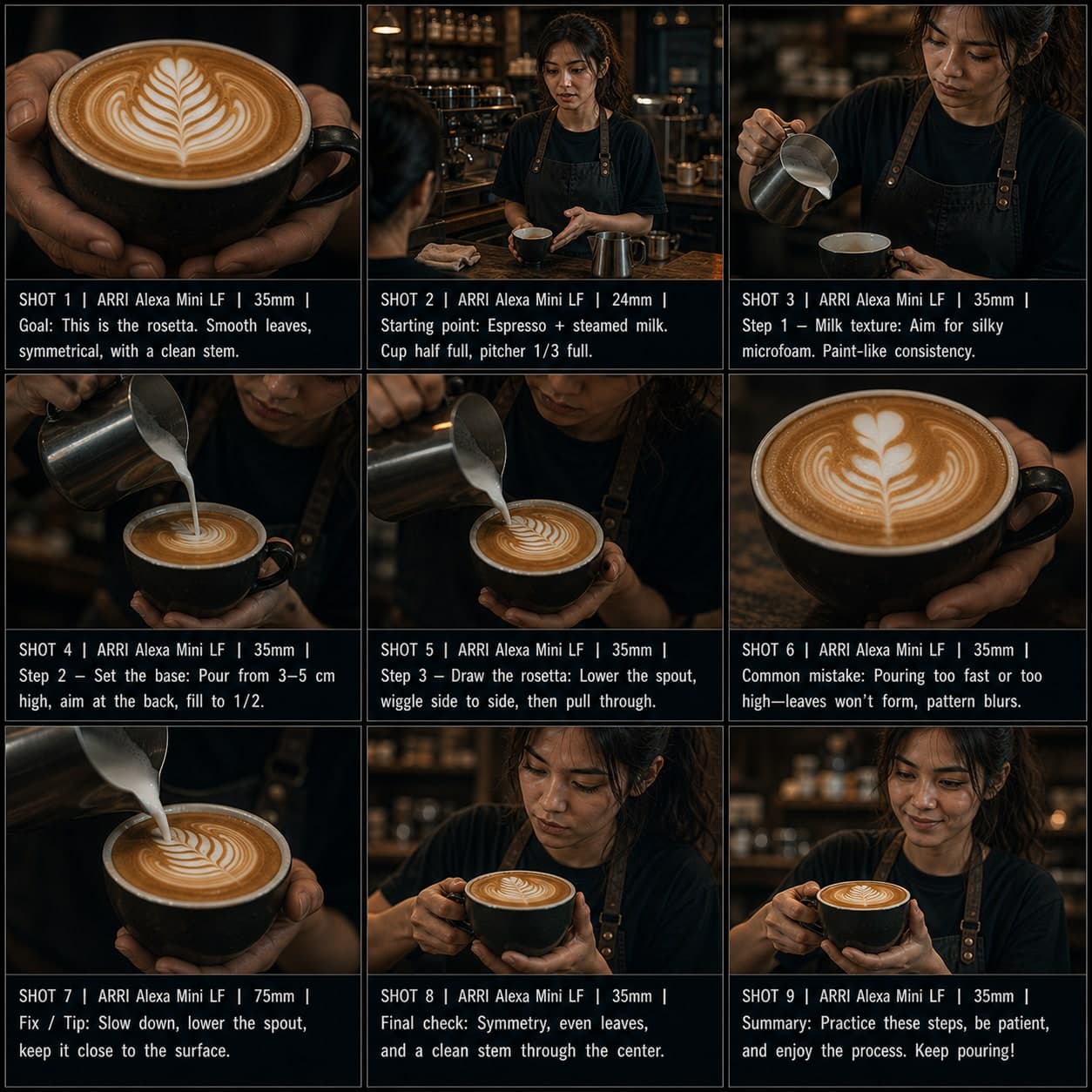
应用演示分镜模板
从问题到输入、输出和行动号召,演示软件或 AI 工具工作流程。适用于 SaaS 展示的应用演示分镜模板。
这个模板的用途
演示软件或 AI 工具的工作流程。
何时使用
适用于
- 应用演示
- SaaS 展示
- AI 工具展示
9 格序列结构
| # | 镜头 | 目的 | 机位 |
|---|---|---|---|
| 01 | 用户问题 | 展示问题 | 可共情场景 |
| 02 | 打开应用 | 介绍产品环境 | 界面镜头 |
| 03 | 输入动作 | 用户输入内容 | 交互镜头 |
| 04 | 处理或魔法时刻 | 展示系统工作 | 处理画面 |
| 05 | 输出结果 | 展示结果 | 输出画面 |
| 06 | 编辑或优化 | 展示控制 | 优化画面 |
| 07 | 使用案例 | 展示结果在情境中 | 情境镜头 |
| 08 | 利益 | 展示价值 | 利益画面 |
| 09 | 行动号召 | 邀请试用或注册 | CTA 画面 |
01用户问题
展示问题
可共情场景
02打开应用
介绍产品环境
界面镜头
03输入动作
用户输入内容
交互镜头
04处理或魔法时刻
展示系统工作
处理画面
05输出结果
展示结果
输出画面
06编辑或优化
展示控制
优化画面
07使用案例
展示结果在情境中
情境镜头
08利益
展示价值
利益画面
09行动号召
邀请试用或注册
CTA 画面
你的故事
用一句话描述你的场景或故事,下方 Prompt 会实时更新。留空则使用示例故事。
Prompt 预览
Create a square 3x3 2048x2048 storyboard grid as a cinematic storyboard infographic showing demonstrate a software or ai tool workflow: A designer uses an AI moodboard tool to turn a vague brand brief into a presentation-ready direction. The sequence shows user problem, interface, input, processing, output, refinement, real use case, benefit, and CTA.

Use dark moody high-end film stills, realistic lighting, subtle teal-and-amber color grade, shallow depth of field, atmospheric dust and shadows. Maintain consistent subject identity, wardrobe, location type, visual medium, lighting, and color palette across all panels. If a reference image is provided, use it as the visual anchor for the subject, world, and style; if no reference image is provided, synthesize one coherent world from the story.

Plan the 9 storyboard panels yourself from the story and the template rhythm, then render the final infographic. Story facts must not change: preserve the named relationship, setting, key object, reveal, cause, and emotional meaning from the story. Do not replace the story's key object with a different document, incident, crime, accident, or backstory.

Arrange the storyboard in a clean 3x3 grid with thin black borders. Each tile must have a large crop-safe cinematic image area and a separate dark information strip below it. The image area must contain no text, labels, captions, UI, watermarks, or typography. Put all written information only in the strip below each image.

Sequence rhythm: User problem → open app → input → processing → output → refine → use case → benefit → CTA

Use this template structure as the shot grammar, but adapt every panel to the concrete story:
1. User problem (top-left) — Relatable scene, 35mm. Purpose: Show the problem. Suggested strip pattern: "SHOT 1 | ARRI Alexa Mini LF | 35mm | [write the concrete story beat you plan for this panel]"
2. Open app or interface (top-center) — Interface shot, 35mm. Purpose: Introduce product environment. Suggested strip pattern: "SHOT 2 | ARRI Alexa Mini LF | 35mm | [write the concrete story beat you plan for this panel]"
3. Input action (top-right) — Interaction shot, 35mm. Purpose: User enters something. Suggested strip pattern: "SHOT 3 | ARRI Alexa Mini LF | 35mm | [write the concrete story beat you plan for this panel]"
4. Processing or magic moment (middle-left) — Process frame, 35mm. Purpose: Show system working. Suggested strip pattern: "SHOT 4 | ARRI Alexa Mini LF | 35mm | [write the concrete story beat you plan for this panel]"
5. Output result (center) — Output frame, 35mm. Purpose: Show result. Suggested strip pattern: "SHOT 5 | ARRI Alexa Mini LF | 35mm | [write the concrete story beat you plan for this panel]"
6. Edit or refine (middle-right) — Refinement frame, 35mm. Purpose: Show control. Suggested strip pattern: "SHOT 6 | ARRI Alexa Mini LF | 35mm | [write the concrete story beat you plan for this panel]"
7. Use case (bottom-left) — Context shot, 35mm. Purpose: Show result in context. Suggested strip pattern: "SHOT 7 | ARRI Alexa Mini LF | 35mm | [write the concrete story beat you plan for this panel]"
8. Benefit (bottom-center) — Benefit frame, 35mm. Purpose: Show value. Suggested strip pattern: "SHOT 8 | ARRI Alexa Mini LF | 35mm | [write the concrete story beat you plan for this panel]"
9. CTA (bottom-right) — CTA frame, 35mm. Purpose: Invite trial or signup. Suggested strip pattern: "SHOT 9 | ARRI Alexa Mini LF | 35mm | [write the concrete story beat you plan for this panel]"

Each information strip must show the planned panel title, shot metadata, and the concrete story beat in plain English. The strip text must include the story's key object and reveal where relevant, so the sequence cannot be mistaken for a different incident. Use clear numbered scene titles, compact metadata, and concise action subtitles in the information strips. Use plain text only: no emojis, no decorative symbols, no fake app UI text, and no real brand logos or copyrighted marks. Make each panel visually distinct through shot scale, camera angle, lens feeling, blocking, foreground/background layering, and subject movement. Exactly 9 panels, no extra panels, no merged panels, no duplicate compositions, no speech bubbles, no lorem ipsum, high-detail professional storyboard sheet.
复制 Prompt 后,连同参考图粘贴到 ChatGPT 即可生成分镜表。 chatgpt.com →