Modello di storyboard Processo in cinque inquadrature
Mostrare qualcuno che fa qualcosa attraverso una copertura visiva essenziale — risultato, mani, viso, contesto, dettaglio. Un modello di storyboard di processo per i maker.
A cosa serve questo modello
Mostrare qualcuno che fa qualcosa attraverso una copertura visiva essenziale.
Quando usarlo
Ideale per
- documentazione di processo
- presentazioni artigianali
- contenuti maker
Struttura di sequenza a 9 pannelli
| # | Inquadratura | Scopo | Camera |
|---|---|---|---|
| 01 | Anteprima del risultato | Mostrare cosa sarà fatto o raggiunto | Piano risultato |
| 02 | Primo piano mani | Mostrare cosa si sta facendo | Primo piano mani |
| 03 | Primo piano volto o soggetto | Mostrare chi lo fa | Primo piano |
| 04 | Contesto largo | Mostrare dove accade | Campo lungo |
| 05 | Di spalla | Mostrare come si fa | Di spalla |
| 06 | Passo dettaglio chiave | Mostrare il dettaglio cruciale | Insert |
| 07 | Problema o correzione | Mostrare la difficoltà o l'aggiustamento | Piano medio / primo piano |
| 08 | Azione di completamento | Mostrare l'azione finale | Piano d'azione |
| 09 | Risultato finale | Mostrare il risultato completato | Piano risultato |
Mostrare cosa sarà fatto o raggiunto
Mostrare cosa si sta facendo
Mostrare chi lo fa
Mostrare dove accade
Mostrare come si fa
Mostrare il dettaglio cruciale
Mostrare la difficoltà o l'aggiustamento
Mostrare l'azione finale
Mostrare il risultato completato
La tua storia
Descrivi la tua scena o storia in una frase. Il prompt sottostante si aggiorna in tempo reale. Lascia vuoto per usare l'esempio.
Anteprima Prompt
Create a square 3x3 2048x2048 storyboard grid as a cinematic storyboard infographic showing show someone doing something through essential visual coverage: A ceramic artist turns raw clay into a finished bowl. The sequence uses the classic process grammar: result preview, hands, face, workspace, over-the-shoulder action, key detail, correction, completion, and final object.

Use dark moody high-end film stills, realistic lighting, subtle teal-and-amber color grade, shallow depth of field, atmospheric dust and shadows. Maintain consistent subject identity, wardrobe, location type, visual medium, lighting, and color palette across all panels. If a reference image is provided, use it as the visual anchor for the subject, world, and style; if no reference image is provided, synthesize one coherent world from the story.

Plan the 9 storyboard panels yourself from the story and the template rhythm, then render the final infographic. Story facts must not change: preserve the named relationship, setting, key object, reveal, cause, and emotional meaning from the story. Do not replace the story's key object with a different document, incident, crime, accident, or backstory.

Arrange the storyboard in a clean 3x3 grid with thin black borders. Each tile must have a large crop-safe cinematic image area and a separate dark information strip below it. The image area must contain no text, labels, captions, UI, watermarks, or typography. Put all written information only in the strip below each image.

Sequence rhythm: Result preview → hands → face → wide context → OTS → detail → correction → completion → final result

Use this template structure as the shot grammar, but adapt every panel to the concrete story:
1. Result preview (top-left) — Result shot, 35mm. Purpose: Show what will be made or achieved. Suggested strip pattern: "SHOT 1 | ARRI Alexa Mini LF | 35mm | [write the concrete story beat you plan for this panel]"
2. Hands close-up (top-center) — Hands close-up, 75mm. Purpose: Show what is being done. Suggested strip pattern: "SHOT 2 | ARRI Alexa Mini LF | 75mm | [write the concrete story beat you plan for this panel]"
3. Face or subject close-up (top-right) — Close-up, 75mm. Purpose: Show who is doing it. Suggested strip pattern: "SHOT 3 | ARRI Alexa Mini LF | 75mm | [write the concrete story beat you plan for this panel]"
4. Wide context (middle-left) — Wide, 24mm. Purpose: Show where it happens. Suggested strip pattern: "SHOT 4 | ARRI Alexa Mini LF | 24mm | [write the concrete story beat you plan for this panel]"
5. Over-the-shoulder (center) — OTS, 50mm. Purpose: Show how it is done. Suggested strip pattern: "SHOT 5 | ARRI Alexa Mini LF | 50mm | [write the concrete story beat you plan for this panel]"
6. Key detail step (middle-right) — Insert, 85mm. Purpose: Show crucial detail. Suggested strip pattern: "SHOT 6 | ARRI Alexa Mini LF | 85mm | [write the concrete story beat you plan for this panel]"
7. Problem or correction (bottom-left) — Medium / close, 35mm. Purpose: Show difficulty or adjustment. Suggested strip pattern: "SHOT 7 | ARRI Alexa Mini LF | 35mm | [write the concrete story beat you plan for this panel]"
8. Completion action (bottom-center) — Action shot, 35mm. Purpose: Show finishing action. Suggested strip pattern: "SHOT 8 | ARRI Alexa Mini LF | 35mm | [write the concrete story beat you plan for this panel]"
9. Final result (bottom-right) — Result frame, 35mm. Purpose: Show completed outcome. Suggested strip pattern: "SHOT 9 | ARRI Alexa Mini LF | 35mm | [write the concrete story beat you plan for this panel]"

Each information strip must show the planned panel title, shot metadata, and the concrete story beat in plain English. The strip text must include the story's key object and reveal where relevant, so the sequence cannot be mistaken for a different incident. Use clear numbered scene titles, compact metadata, and concise action subtitles in the information strips. Use plain text only: no emojis, no decorative symbols, no fake app UI text, and no real brand logos or copyrighted marks. Make each panel visually distinct through shot scale, camera angle, lens feeling, blocking, foreground/background layering, and subject movement. Exactly 9 panels, no extra panels, no merged panels, no duplicate compositions, no speech bubbles, no lorem ipsum, high-detail professional storyboard sheet.
Copia il prompt e incollalo in ChatGPT insieme alla tua immagine di riferimento per generare uno storyboard. chatgpt.com →
Modelli correlati
 3×3
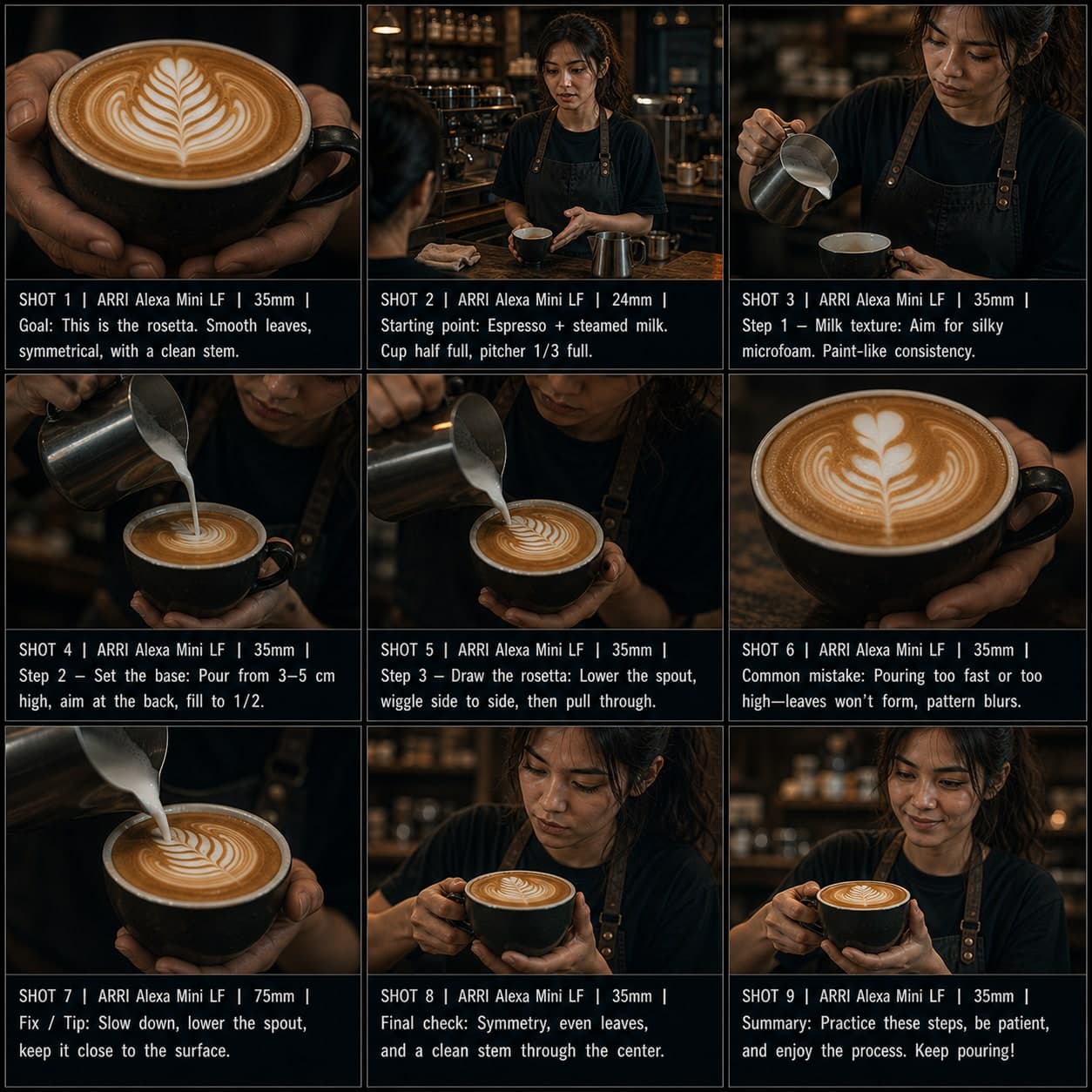
3×3Modello di storyboard Tutorial passo passo
Spiegare un processo in passaggi ordinati con errori comuni, correzioni e controllo finale. Un modello di storyboard tutorial per video esplicativi.
 3×3
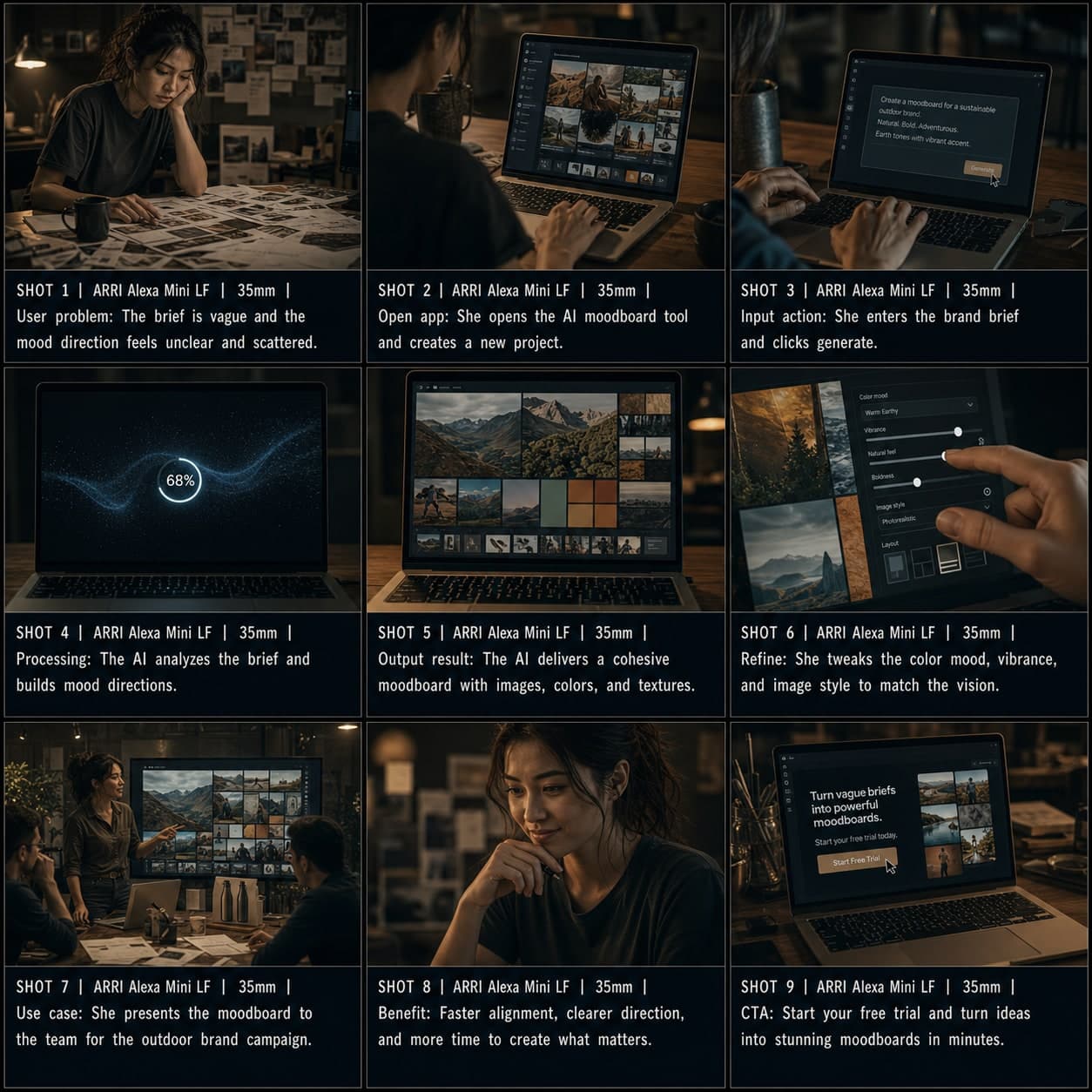
3×3Modello di storyboard Demo App / SaaS
Dimostrare un workflow software o strumento IA dal problema all'input, output e CTA. Un modello di storyboard demo app per video di presentazione SaaS.