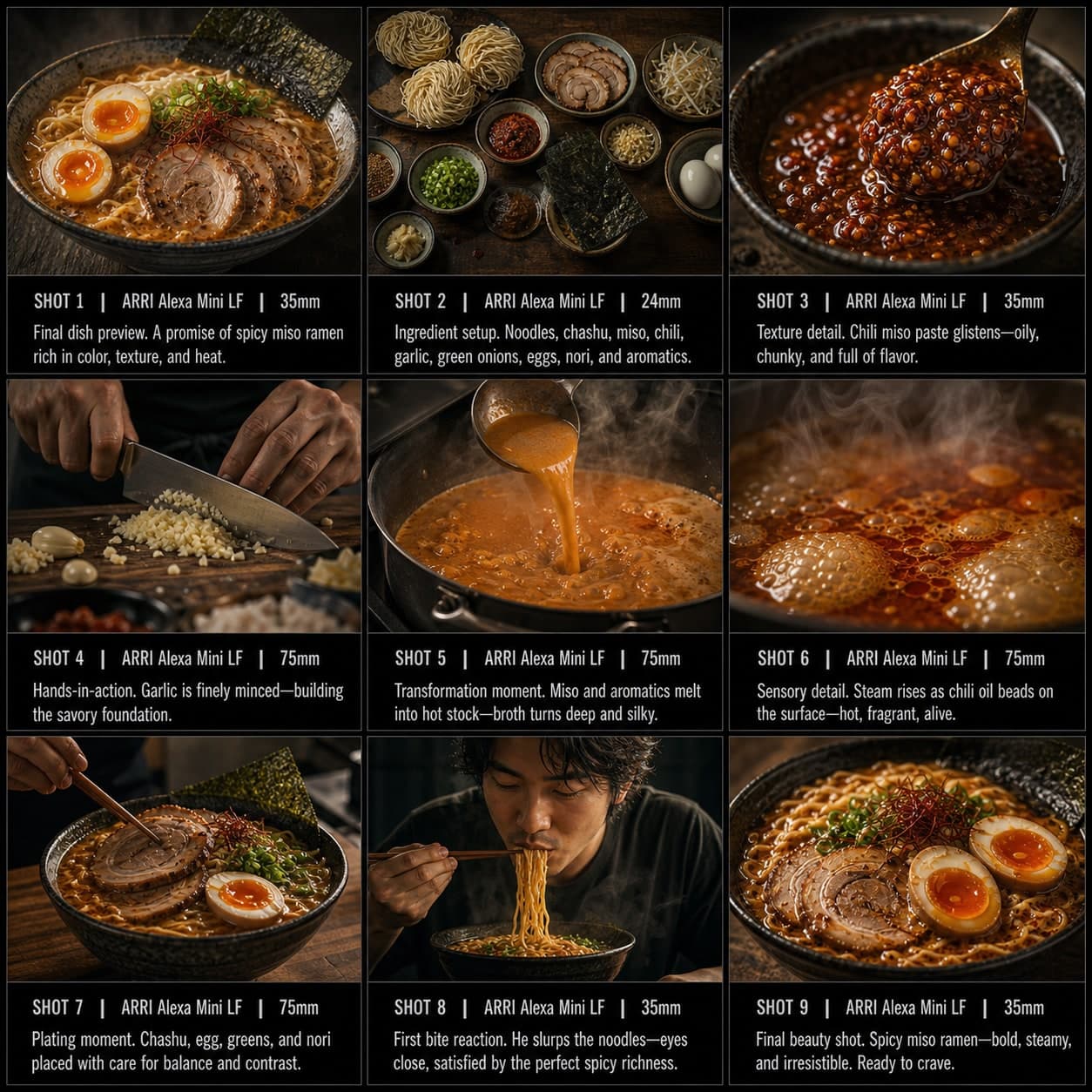
修復還原分鏡模板
從損壞狀態經過修復到揭示,構建令人滿足的修復轉變。適用於前後對比的修復還原分鏡模板。
這個模板的用途
構建令人滿足的修復或還原轉變。
何時使用
適用於
- 修復影片
- 維修內容
- 前後轉變
9 格序列結構
| # | 鏡頭 | 目的 | 機位 |
|---|---|---|---|
| 01 | 損壞的物品之前 | 清楚展示問題 | 之前鏡頭 |
| 02 | 損壞細節 | 聚焦破損或磨損的地方 | 微距 / 插入 |
| 03 | 維修準備 | 展示工具和準備 | 全景工作站 |
| 04 | 第一步修復 | 開始介入 | 手部動作鏡頭 |
| 05 | 過程細節 | 展示關鍵修復步驟 | 細節特寫 |
| 06 | 可見進展 | 展示中途改善 | 對比中景 |
| 07 | 最終修正 | 完成關鍵步驟 | 特寫 |
| 08 | 揭示準備 | 為完整揭示做準備 | 過渡畫面 |
| 09 | 修復後成果 | 以令人滿足的英雄畫面展示修復後的物品 | 終幕之後鏡頭 |
01損壞的物品之前
清楚展示問題
之前鏡頭
02損壞細節
聚焦破損或磨損的地方
微距 / 插入
03維修準備
展示工具和準備
全景工作站
04第一步修復
開始介入
手部動作鏡頭
05過程細節
展示關鍵修復步驟
細節特寫
06可見進展
展示中途改善
對比中景
07最終修正
完成關鍵步驟
特寫
08揭示準備
為完整揭示做準備
過渡畫面
09修復後成果
以令人滿足的英雄畫面展示修復後的物品
終幕之後鏡頭
你的故事
用一句話描述你的場景或故事,下方 Prompt 會實時更新。留空則使用示例故事。
Prompt 預覽
Create a square 3x3 2048x2048 storyboard grid as a cinematic storyboard infographic showing structure a satisfying restoration or repair transformation: A scratched vintage camera arrives at a repair bench barely working. Damage details, tool setup, disassembly, lens cleaning, visible progress, final correction, reveal setup, and restored result make the repair satisfying.

Use dark moody high-end film stills, realistic lighting, subtle teal-and-amber color grade, shallow depth of field, atmospheric dust and shadows. Maintain consistent subject identity, wardrobe, location type, visual medium, lighting, and color palette across all panels. If a reference image is provided, use it as the visual anchor for the subject, world, and style; if no reference image is provided, synthesize one coherent world from the story.

Plan the 9 storyboard panels yourself from the story and the template rhythm, then render the final infographic. Story facts must not change: preserve the named relationship, setting, key object, reveal, cause, and emotional meaning from the story. Do not replace the story's key object with a different document, incident, crime, accident, or backstory.

Arrange the storyboard in a clean 3x3 grid with thin black borders. Each tile must have a large crop-safe cinematic image area and a separate dark information strip below it. The image area must contain no text, labels, captions, UI, watermarks, or typography. Put all written information only in the strip below each image.

Sequence rhythm: Damaged before → damage detail → repair setup → first action → process detail → visible progress → final correction → reveal setup → restored result

Use this template structure as the shot grammar, but adapt every panel to the concrete story:
1. Damaged object before (top-left) — Before shot, 35mm. Purpose: Show the problem clearly. Suggested strip pattern: "SHOT 1 | ARRI Alexa Mini LF | 35mm | [write the concrete story beat you plan for this panel]"
2. Damage detail (top-center) — Macro / insert, 85mm. Purpose: Focus on what is broken or worn. Suggested strip pattern: "SHOT 2 | ARRI Alexa Mini LF | 85mm | [write the concrete story beat you plan for this panel]"
3. Repair setup (top-right) — Wide workstation shot, 24mm. Purpose: Show tools and preparation. Suggested strip pattern: "SHOT 3 | ARRI Alexa Mini LF | 24mm | [write the concrete story beat you plan for this panel]"
4. First repair action (middle-left) — Hands action shot, 35mm. Purpose: Begin intervention. Suggested strip pattern: "SHOT 4 | ARRI Alexa Mini LF | 35mm | [write the concrete story beat you plan for this panel]"
5. Process detail (center) — Detail close-up, 75mm. Purpose: Show key restoration step. Suggested strip pattern: "SHOT 5 | ARRI Alexa Mini LF | 75mm | [write the concrete story beat you plan for this panel]"
6. Visible progress (middle-right) — Comparison medium shot, 35mm. Purpose: Show halfway improvement. Suggested strip pattern: "SHOT 6 | ARRI Alexa Mini LF | 35mm | [write the concrete story beat you plan for this panel]"
7. Final correction (bottom-left) — Close-up, 75mm. Purpose: Complete the crucial step. Suggested strip pattern: "SHOT 7 | ARRI Alexa Mini LF | 75mm | [write the concrete story beat you plan for this panel]"
8. Reveal setup (bottom-center) — Transitional frame, 35mm. Purpose: Prepare for full reveal. Suggested strip pattern: "SHOT 8 | ARRI Alexa Mini LF | 35mm | [write the concrete story beat you plan for this panel]"
9. Restored result (bottom-right) — Final after shot, 35mm. Purpose: Show repaired object in satisfying hero frame. Suggested strip pattern: "SHOT 9 | ARRI Alexa Mini LF | 35mm | [write the concrete story beat you plan for this panel]"

Each information strip must show the planned panel title, shot metadata, and the concrete story beat in plain English. The strip text must include the story's key object and reveal where relevant, so the sequence cannot be mistaken for a different incident. Use clear numbered scene titles, compact metadata, and concise action subtitles in the information strips. Use plain text only: no emojis, no decorative symbols, no fake app UI text, and no real brand logos or copyrighted marks. Make each panel visually distinct through shot scale, camera angle, lens feeling, blocking, foreground/background layering, and subject movement. Exactly 9 panels, no extra panels, no merged panels, no duplicate compositions, no speech bubbles, no lorem ipsum, high-detail professional storyboard sheet.
複製 Prompt 後,連同參考圖貼上到 ChatGPT 即可生成分鏡表。 chatgpt.com →