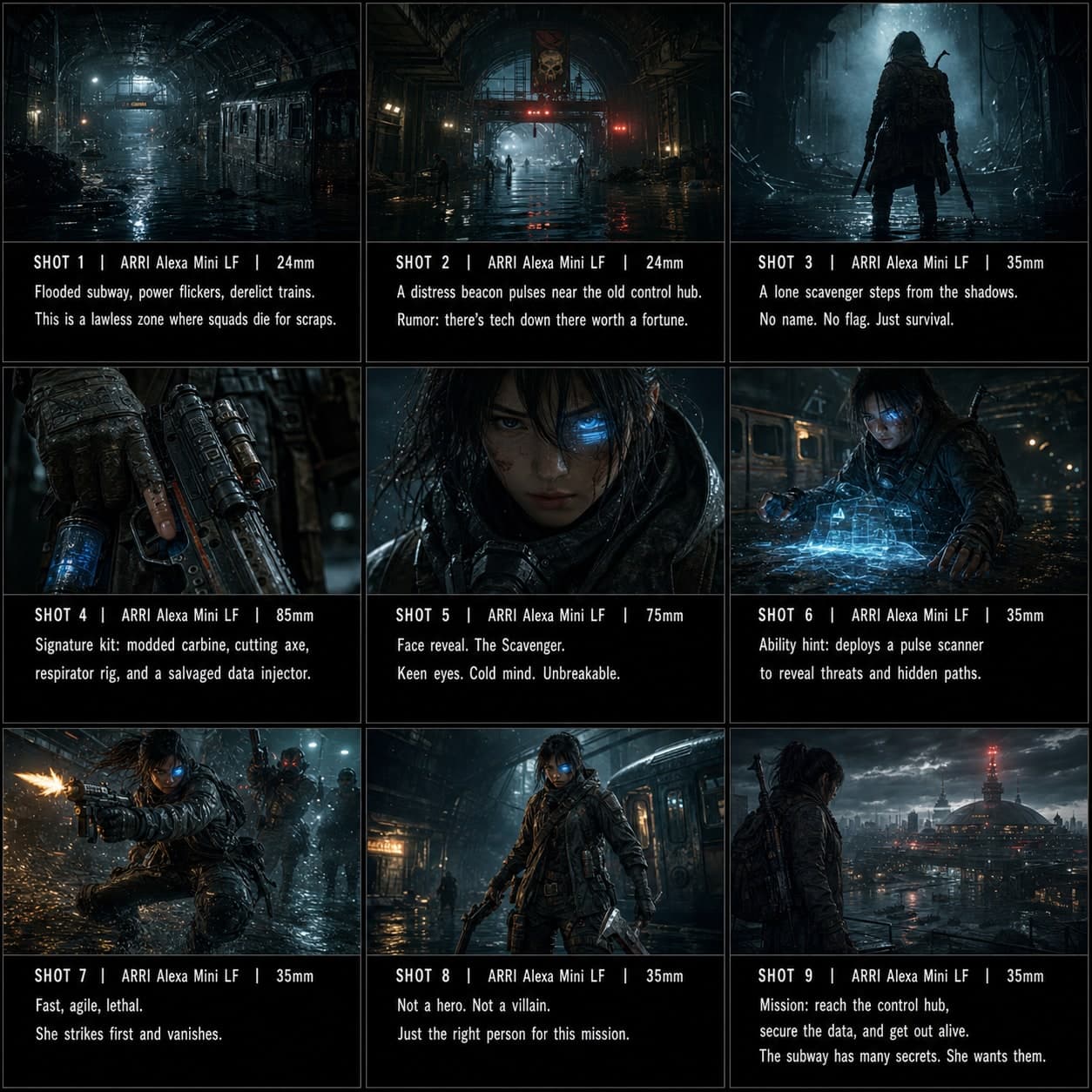
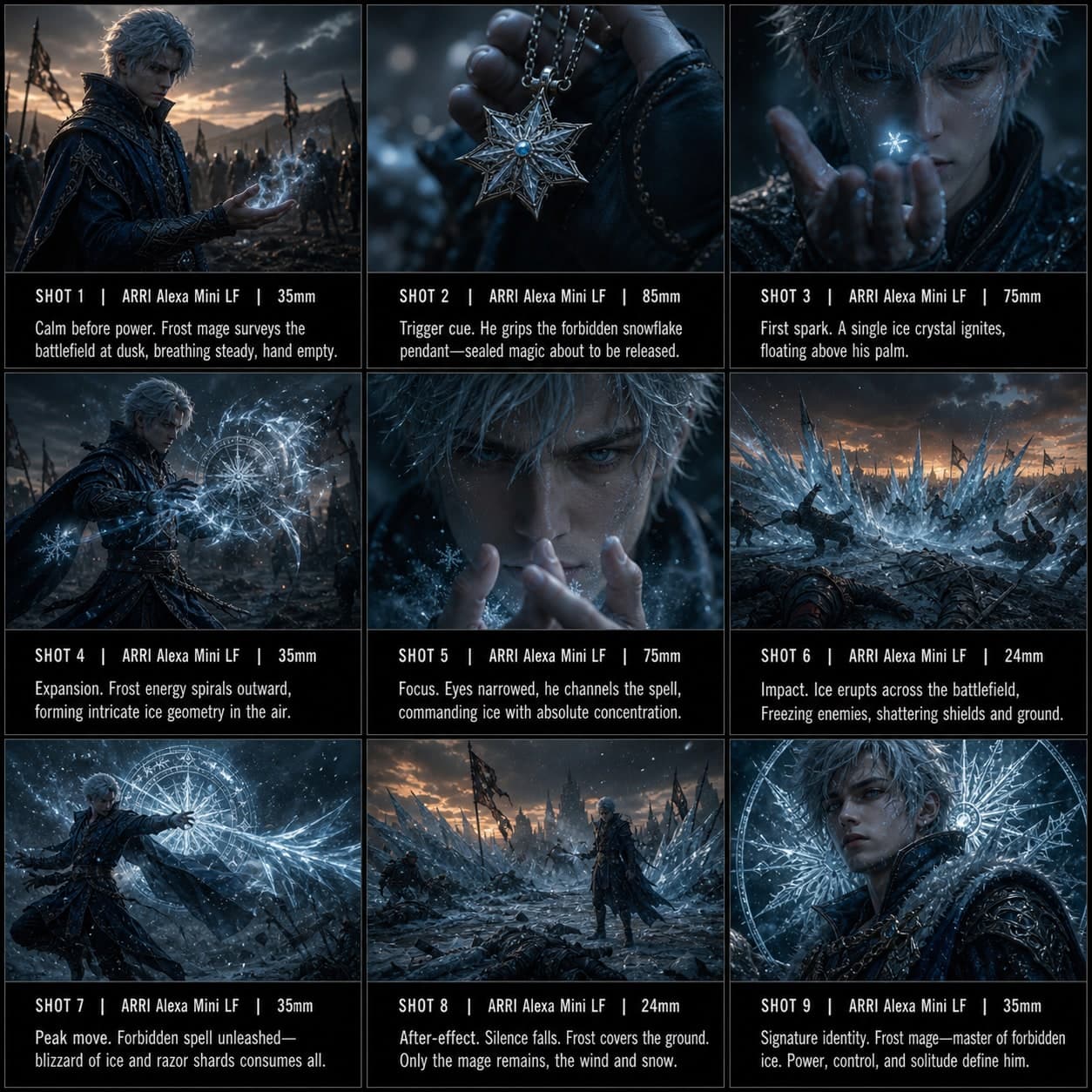
Boss 怪物遭遇分鏡模板
透過規模和張力構建與強大 Boss 或生物的首次戲劇性遭遇。適用於遊戲過場的 Boss 遭遇分鏡模板。
這個模板的用途
構建與強大 Boss 或生物的首次戲劇性遭遇。
何時使用
適用於
- Boss 戰
- 怪物遭遇
- 遊戲過場動畫
9 格序列結構
| # | 鏡頭 | 目的 | 機位 |
|---|---|---|---|
| 01 | 危險環境 | 建立不祥的位置 | 全景 |
| 02 | 警告跡象 | 揭示蹤跡、聲音、影子或破壞 | 插入 / 環境細節 |
| 03 | 角色調查 | 展示接近危險 | 中景 |
| 04 | 巨大規模暗示 | 在不完全揭示的情況下暗示體型 | 區域性全景 |
| 05 | 怪物區域性揭示 | 揭示身體部位、眼睛、爪子或剪影 | 區域性揭示 |
| 06 | 完整 Boss 揭示 | 清晰展示怪物 | 史詩全景 |
| 07 | 角色反應 | 捕捉恐懼或決心 | 特寫 |
| 08 | 威脅展示 | 展示咆哮、攻擊或力量 | 動態動作畫面 |
| 09 | 對峙開始 | 以戰鬥即將開始結束 | 對峙終幕 |
01危險環境
建立不祥的位置
全景
02警告跡象
揭示蹤跡、聲音、影子或破壞
插入 / 環境細節
03角色調查
展示接近危險
中景
04巨大規模暗示
在不完全揭示的情況下暗示體型
區域性全景
05怪物區域性揭示
揭示身體部位、眼睛、爪子或剪影
區域性揭示
06完整 Boss 揭示
清晰展示怪物
史詩全景
07角色反應
捕捉恐懼或決心
特寫
08威脅展示
展示咆哮、攻擊或力量
動態動作畫面
09對峙開始
以戰鬥即將開始結束
對峙終幕
你的故事
用一句話描述你的場景或故事,下方 Prompt 會實時更新。留空則使用示例故事。
Prompt 預覽
Create a square 3x3 2048x2048 storyboard grid as a cinematic storyboard infographic showing build a dramatic first encounter with a powerful boss or creature: A knight enters a volcanic cavern and finds claw marks carved through stone. Scale hints, partial body reveals, a full creature reveal, reaction, threat display, and face-off establish the first boss encounter.

Use dark moody high-end film stills, realistic lighting, subtle teal-and-amber color grade, shallow depth of field, atmospheric dust and shadows. Maintain consistent subject identity, wardrobe, location type, visual medium, lighting, and color palette across all panels. If a reference image is provided, use it as the visual anchor for the subject, world, and style; if no reference image is provided, synthesize one coherent world from the story.

Plan the 9 storyboard panels yourself from the story and the template rhythm, then render the final infographic. Story facts must not change: preserve the named relationship, setting, key object, reveal, cause, and emotional meaning from the story. Do not replace the story's key object with a different document, incident, crime, accident, or backstory.

Arrange the storyboard in a clean 3x3 grid with thin black borders. Each tile must have a large crop-safe cinematic image area and a separate dark information strip below it. The image area must contain no text, labels, captions, UI, watermarks, or typography. Put all written information only in the strip below each image.

Sequence rhythm: Dangerous environment → warning sign → character investigates → massive scale → partial reveal → full reveal → character reaction → threat display → confrontation start

Use this template structure as the shot grammar, but adapt every panel to the concrete story:
1. Dangerous environment (top-left) — Wide, 24mm. Purpose: Establish ominous location. Suggested strip pattern: "SHOT 1 | ARRI Alexa Mini LF | 24mm | [write the concrete story beat you plan for this panel]"
2. Warning sign (top-center) — Insert / environment detail, 85mm. Purpose: Reveal tracks, sound, shadow, or damage. Suggested strip pattern: "SHOT 2 | ARRI Alexa Mini LF | 85mm | [write the concrete story beat you plan for this panel]"
3. Character investigates (top-right) — Medium, 35mm. Purpose: Show approach toward danger. Suggested strip pattern: "SHOT 3 | ARRI Alexa Mini LF | 35mm | [write the concrete story beat you plan for this panel]"
4. Massive scale hint (middle-left) — Partial wide, 24mm. Purpose: Suggest size without full reveal. Suggested strip pattern: "SHOT 4 | ARRI Alexa Mini LF | 24mm | [write the concrete story beat you plan for this panel]"
5. Partial monster reveal (center) — Partial reveal, 35mm. Purpose: Reveal body part, eye, claw, or silhouette. Suggested strip pattern: "SHOT 5 | ARRI Alexa Mini LF | 35mm | [write the concrete story beat you plan for this panel]"
6. Full boss reveal (middle-right) — Epic wide, 24mm. Purpose: Show the monster clearly. Suggested strip pattern: "SHOT 6 | ARRI Alexa Mini LF | 24mm | [write the concrete story beat you plan for this panel]"
7. Character reaction (bottom-left) — Close-up, 75mm. Purpose: Capture fear or determination. Suggested strip pattern: "SHOT 7 | ARRI Alexa Mini LF | 75mm | [write the concrete story beat you plan for this panel]"
8. Threat display (bottom-center) — Dynamic action frame, 35mm. Purpose: Show roar, attack, or power. Suggested strip pattern: "SHOT 8 | ARRI Alexa Mini LF | 35mm | [write the concrete story beat you plan for this panel]"
9. Confrontation start (bottom-right) — Face-off final frame, 35mm. Purpose: End with battle about to begin. Suggested strip pattern: "SHOT 9 | ARRI Alexa Mini LF | 35mm | [write the concrete story beat you plan for this panel]"

Each information strip must show the planned panel title, shot metadata, and the concrete story beat in plain English. The strip text must include the story's key object and reveal where relevant, so the sequence cannot be mistaken for a different incident. Use clear numbered scene titles, compact metadata, and concise action subtitles in the information strips. Use plain text only: no emojis, no decorative symbols, no fake app UI text, and no real brand logos or copyrighted marks. Make each panel visually distinct through shot scale, camera angle, lens feeling, blocking, foreground/background layering, and subject movement. Exactly 9 panels, no extra panels, no merged panels, no duplicate compositions, no speech bubbles, no lorem ipsum, high-detail professional storyboard sheet.
複製 Prompt 後,連同參考圖貼上到 ChatGPT 即可生成分鏡表。 chatgpt.com →