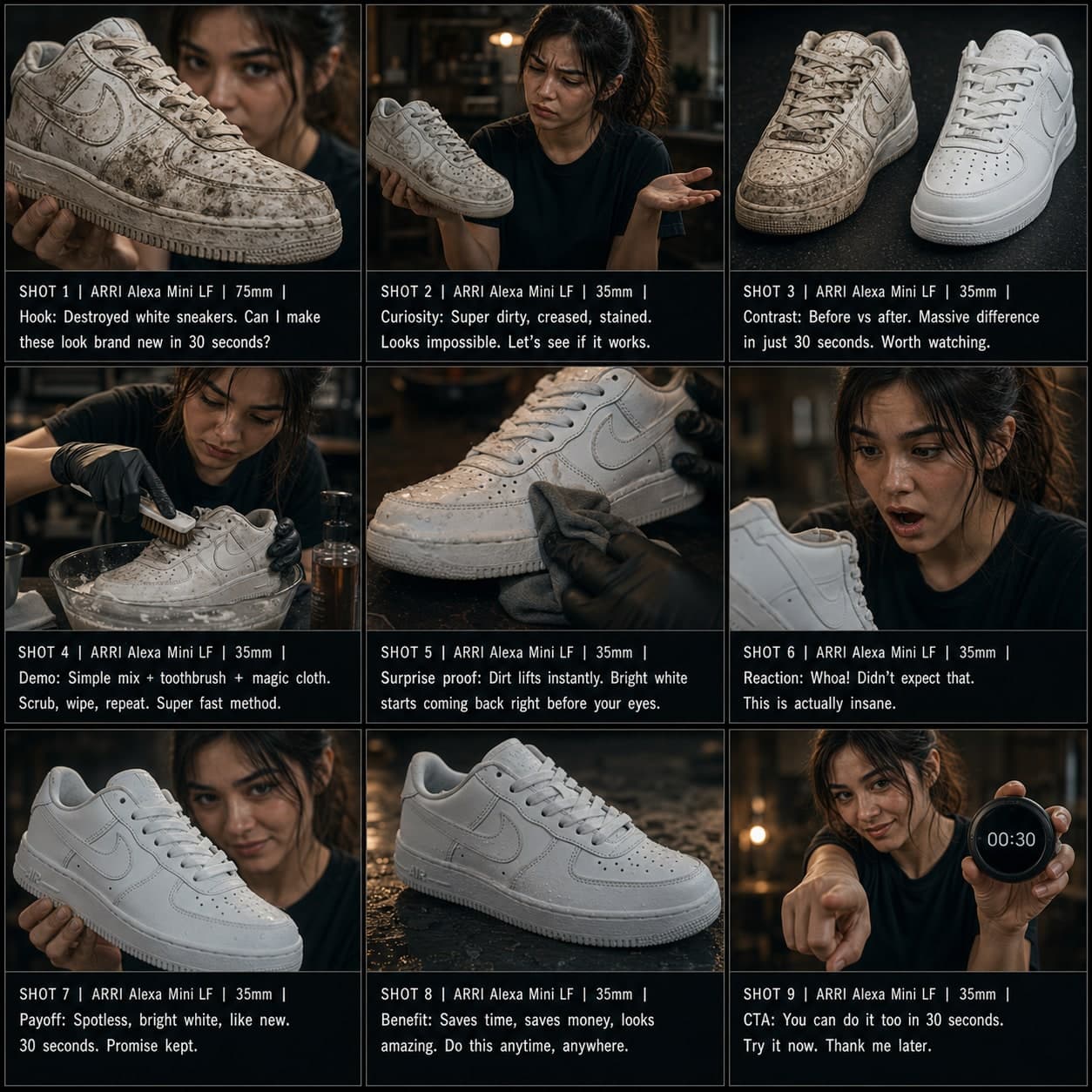
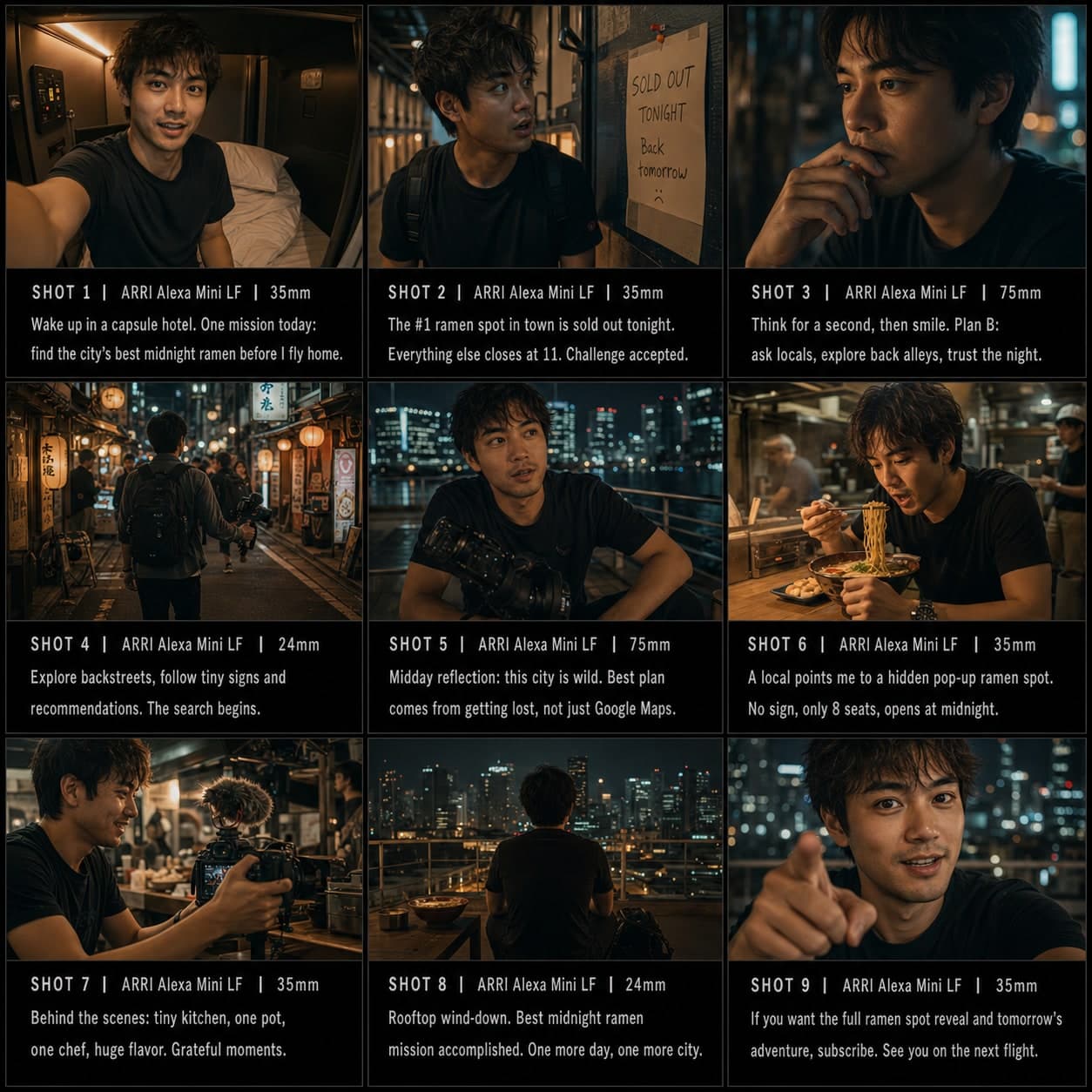
POV 시나리오 스토리보드 템플릿
1인칭 시점 훅에서 반전, 펀치라인까지 이어지는 상황을 구성합니다. 몰입형 소셜 영상 콘텐츠를 위한 POV 시나리오 스토리보드 템플릿.
이 템플릿의 용도
1인칭 시점 상황 또는 역할극을 구성합니다.
사용 시기
적합한 용도
- POV 콘텐츠
- 역할극 시나리오
- 상황 코미디
9컷 시퀀스 구조
| # | 샷 | 목적 | 카메라 |
|---|---|---|---|
| 01 | POV 훅 | 시청자를 상황 속에 넣는다 | POV 프레임 |
| 02 | 상황 설정 | 맥락을 시각적으로 설명한다 | 와이드 / 컨텍스트 |
| 03 | 예상치 못한 사건 | 트위스트를 도입한다 | 서프라이즈 프레임 |
| 04 | 리액션 | 즉각적 반응을 보여준다 | 클로즈업 |
| 05 | 에스컬레이션 | 이해관계를 높인다 | 다이나믹 미디엄 |
| 06 | 선택 또는 트위스트 | 결정 포인트를 추가한다 | 인서트 / 클로즈업 |
| 07 | 결과 | 무슨 일이 일어나는지 보여준다 | 리절트 프레임 |
| 08 | 감정적 비트 | 감정을 착지시킨다 | 리액션 샷 |
| 09 | 엔드 펀치 | 농담, 트위스트, 여운으로 끝난다 | 파이널 프레임 |
01POV 훅
시청자를 상황 속에 넣는다
POV 프레임
02상황 설정
맥락을 시각적으로 설명한다
와이드 / 컨텍스트
03예상치 못한 사건
트위스트를 도입한다
서프라이즈 프레임
04리액션
즉각적 반응을 보여준다
클로즈업
05에스컬레이션
이해관계를 높인다
다이나믹 미디엄
06선택 또는 트위스트
결정 포인트를 추가한다
인서트 / 클로즈업
07결과
무슨 일이 일어나는지 보여준다
리절트 프레임
08감정적 비트
감정을 착지시킨다
리액션 샷
09엔드 펀치
농담, 트위스트, 여운으로 끝난다
파이널 프레임
나의 스토리
장면이나 스토리를 한 문장으로 설명하세요. 아래 Prompt가 실시간으로 업데이트됩니다. 비워두면 예시 스토리가 사용됩니다.
Prompt 미리보기
Create a square 3x3 2048x2048 storyboard grid as a cinematic storyboard infographic showing structure a first-person situation or roleplay: POV: you arrive at a tiny rental cabin and realize the host left a mysterious handwritten rulebook. The sequence uses first-person framing, discovery, reaction, escalation, a choice, and a final twist from your point of view.

Use dark moody high-end film stills, realistic lighting, subtle teal-and-amber color grade, shallow depth of field, atmospheric dust and shadows. Maintain consistent subject identity, wardrobe, location type, visual medium, lighting, and color palette across all panels. If a reference image is provided, use it as the visual anchor for the subject, world, and style; if no reference image is provided, synthesize one coherent world from the story.

Plan the 9 storyboard panels yourself from the story and the template rhythm, then render the final infographic. Story facts must not change: preserve the named relationship, setting, key object, reveal, cause, and emotional meaning from the story. Do not replace the story's key object with a different document, incident, crime, accident, or backstory.

Arrange the storyboard in a clean 3x3 grid with thin black borders. Each tile must have a large crop-safe cinematic image area and a separate dark information strip below it. The image area must contain no text, labels, captions, UI, watermarks, or typography. Put all written information only in the strip below each image.

Sequence rhythm: POV hook → context → unexpected event → reaction → escalation → twist → result → punchline

Use this template structure as the shot grammar, but adapt every panel to the concrete story:
1. POV hook (top-left) — POV frame, 35mm. Purpose: Put viewer inside situation. Suggested strip pattern: "SHOT 1 | ARRI Alexa Mini LF | 35mm | [write the concrete story beat you plan for this panel]"
2. Situation setup (top-center) — Wide / context, 24mm. Purpose: Explain context visually. Suggested strip pattern: "SHOT 2 | ARRI Alexa Mini LF | 24mm | [write the concrete story beat you plan for this panel]"
3. Unexpected event (top-right) — Surprise frame, 35mm. Purpose: Introduce twist. Suggested strip pattern: "SHOT 3 | ARRI Alexa Mini LF | 35mm | [write the concrete story beat you plan for this panel]"
4. Reaction (middle-left) — Close-up, 75mm. Purpose: Show immediate response. Suggested strip pattern: "SHOT 4 | ARRI Alexa Mini LF | 75mm | [write the concrete story beat you plan for this panel]"
5. Escalation (center) — Dynamic medium, 35mm. Purpose: Increase stakes. Suggested strip pattern: "SHOT 5 | ARRI Alexa Mini LF | 35mm | [write the concrete story beat you plan for this panel]"
6. Choice or twist (middle-right) — Insert / close-up, 85mm. Purpose: Add decision point. Suggested strip pattern: "SHOT 6 | ARRI Alexa Mini LF | 85mm | [write the concrete story beat you plan for this panel]"
7. Result (bottom-left) — Result frame, 35mm. Purpose: Show what happens. Suggested strip pattern: "SHOT 7 | ARRI Alexa Mini LF | 35mm | [write the concrete story beat you plan for this panel]"
8. Emotional beat (bottom-center) — Reaction shot, 35mm. Purpose: Land feeling. Suggested strip pattern: "SHOT 8 | ARRI Alexa Mini LF | 35mm | [write the concrete story beat you plan for this panel]"
9. End punch (bottom-right) — Final frame, 35mm. Purpose: Finish with joke, twist, or lingering beat. Suggested strip pattern: "SHOT 9 | ARRI Alexa Mini LF | 35mm | [write the concrete story beat you plan for this panel]"

Each information strip must show the planned panel title, shot metadata, and the concrete story beat in plain English. The strip text must include the story's key object and reveal where relevant, so the sequence cannot be mistaken for a different incident. Use clear numbered scene titles, compact metadata, and concise action subtitles in the information strips. Use plain text only: no emojis, no decorative symbols, no fake app UI text, and no real brand logos or copyrighted marks. Make each panel visually distinct through shot scale, camera angle, lens feeling, blocking, foreground/background layering, and subject movement. Exactly 9 panels, no extra panels, no merged panels, no duplicate compositions, no speech bubbles, no lorem ipsum, high-detail professional storyboard sheet.
Prompt를 복사한 후, 참조 이미지와 함께 ChatGPT에 붙여넣으면 스토리보드 시트가 생성됩니다. chatgpt.com →