BAB 변환 스토리보드 템플릿
메이크오버 및 개선 서사를 위해 Before(이전), After(이후), Bridge(다리) 변환을 보여줍니다. 비포-애프터 콘텐츠를 위한 BAB 변환 스토리보드 템플릿.
이 템플릿의 용도
Before → After → Bridge 변환을 보여줍니다.
사용 시기
적합한 용도
- 변환 스토리
- 비포-애프터 공개
- 메이크오버 콘텐츠
9컷 시퀀스 구조
| # | 샷 | 목적 | 카메라 |
|---|---|---|---|
| 01 | 비포 상태 | 현재 상태를 보여준다 | 와이드 |
| 02 | 비포 고통 디테일 | 무엇이 문제인지 보여준다 | 인서트 / 클로즈업 |
| 03 | 욕망 또는 열망 | 더 나은 미래를 암시한다 | 열망 프레임 |
| 04 | 브릿지 도입 | 방법이나 제품을 보여준다 | 프로덕트 / 메소드 리빌 |
| 05 | 프로세스 시작 | 변혁을 시작한다 | 프로세스 샷 |
| 06 | 눈에 보이는 진전 | 변화가 일어나고 있음을 보여준다 | 중간 비교 |
| 07 | 애프터 리빌 | 결과를 공개한다 | 히어로 리빌 |
| 08 | 감정적 보상 | 만족감을 보여준다 | 리액션 샷 |
| 09 | 변혁 주장 | 비포/애프터의 의미로 끝난다 | CTA / 비교 |
01비포 상태
현재 상태를 보여준다
와이드
02비포 고통 디테일
무엇이 문제인지 보여준다
인서트 / 클로즈업
03욕망 또는 열망
더 나은 미래를 암시한다
열망 프레임
04브릿지 도입
방법이나 제품을 보여준다
프로덕트 / 메소드 리빌
05프로세스 시작
변혁을 시작한다
프로세스 샷
06눈에 보이는 진전
변화가 일어나고 있음을 보여준다
중간 비교
07애프터 리빌
결과를 공개한다
히어로 리빌
08감정적 보상
만족감을 보여준다
리액션 샷
09변혁 주장
비포/애프터의 의미로 끝난다
CTA / 비교
나의 스토리
장면이나 스토리를 한 문장으로 설명하세요. 아래 Prompt가 실시간으로 업데이트됩니다. 비워두면 예시 스토리가 사용됩니다.
Prompt 미리보기
Create a square 3x3 2048x2048 storyboard grid as a cinematic storyboard infographic showing show before → after → bridge transformation: A small bakery starts with slow foot traffic and hand-written order chaos. The template shows the struggling before state, the online ordering bridge, and the after state: a smoother counter, happier customers, and sold-out trays.

Use dark moody high-end film stills, realistic lighting, subtle teal-and-amber color grade, shallow depth of field, atmospheric dust and shadows. Maintain consistent subject identity, wardrobe, location type, visual medium, lighting, and color palette across all panels. If a reference image is provided, use it as the visual anchor for the subject, world, and style; if no reference image is provided, synthesize one coherent world from the story.

Plan the 9 storyboard panels yourself from the story and the template rhythm, then render the final infographic. Story facts must not change: preserve the named relationship, setting, key object, reveal, cause, and emotional meaning from the story. Do not replace the story's key object with a different document, incident, crime, accident, or backstory.

Arrange the storyboard in a clean 3x3 grid with thin black borders. Each tile must have a large crop-safe cinematic image area and a separate dark information strip below it. The image area must contain no text, labels, captions, UI, watermarks, or typography. Put all written information only in the strip below each image.

Sequence rhythm: Before state → pain → aspiration → bridge → process → progress → after reveal → payoff

Use this template structure as the shot grammar, but adapt every panel to the concrete story:
1. Before state (top-left) — Wide, 24mm. Purpose: Show current state. Suggested strip pattern: "SHOT 1 | ARRI Alexa Mini LF | 24mm | [write the concrete story beat you plan for this panel]"
2. Before pain detail (top-center) — Insert / close-up, 85mm. Purpose: Show what is wrong. Suggested strip pattern: "SHOT 2 | ARRI Alexa Mini LF | 85mm | [write the concrete story beat you plan for this panel]"
3. Desire or aspiration (top-right) — Aspirational frame, 35mm. Purpose: Hint at better future. Suggested strip pattern: "SHOT 3 | ARRI Alexa Mini LF | 35mm | [write the concrete story beat you plan for this panel]"
4. Bridge introduced (middle-left) — Product / method reveal, 35mm. Purpose: Show the method or product. Suggested strip pattern: "SHOT 4 | ARRI Alexa Mini LF | 35mm | [write the concrete story beat you plan for this panel]"
5. Process begins (center) — Process shot, 35mm. Purpose: Start transformation. Suggested strip pattern: "SHOT 5 | ARRI Alexa Mini LF | 35mm | [write the concrete story beat you plan for this panel]"
6. Visible progress (middle-right) — Midpoint comparison, 35mm. Purpose: Show change happening. Suggested strip pattern: "SHOT 6 | ARRI Alexa Mini LF | 35mm | [write the concrete story beat you plan for this panel]"
7. After reveal (bottom-left) — Hero reveal, 35mm. Purpose: Reveal result. Suggested strip pattern: "SHOT 7 | ARRI Alexa Mini LF | 35mm | [write the concrete story beat you plan for this panel]"
8. Emotional payoff (bottom-center) — Reaction shot, 35mm. Purpose: Show satisfaction. Suggested strip pattern: "SHOT 8 | ARRI Alexa Mini LF | 35mm | [write the concrete story beat you plan for this panel]"
9. Transformation claim (bottom-right) — CTA / comparison, 35mm. Purpose: End with before/after meaning. Suggested strip pattern: "SHOT 9 | ARRI Alexa Mini LF | 35mm | [write the concrete story beat you plan for this panel]"

Each information strip must show the planned panel title, shot metadata, and the concrete story beat in plain English. The strip text must include the story's key object and reveal where relevant, so the sequence cannot be mistaken for a different incident. Use clear numbered scene titles, compact metadata, and concise action subtitles in the information strips. Use plain text only: no emojis, no decorative symbols, no fake app UI text, and no real brand logos or copyrighted marks. Make each panel visually distinct through shot scale, camera angle, lens feeling, blocking, foreground/background layering, and subject movement. Exactly 9 panels, no extra panels, no merged panels, no duplicate compositions, no speech bubbles, no lorem ipsum, high-detail professional storyboard sheet.
Prompt를 복사한 후, 참조 이미지와 함께 ChatGPT에 붙여넣으면 스토리보드 시트가 생성됩니다. chatgpt.com →
관련 템플릿
 3×3
3×3광고 / 제품
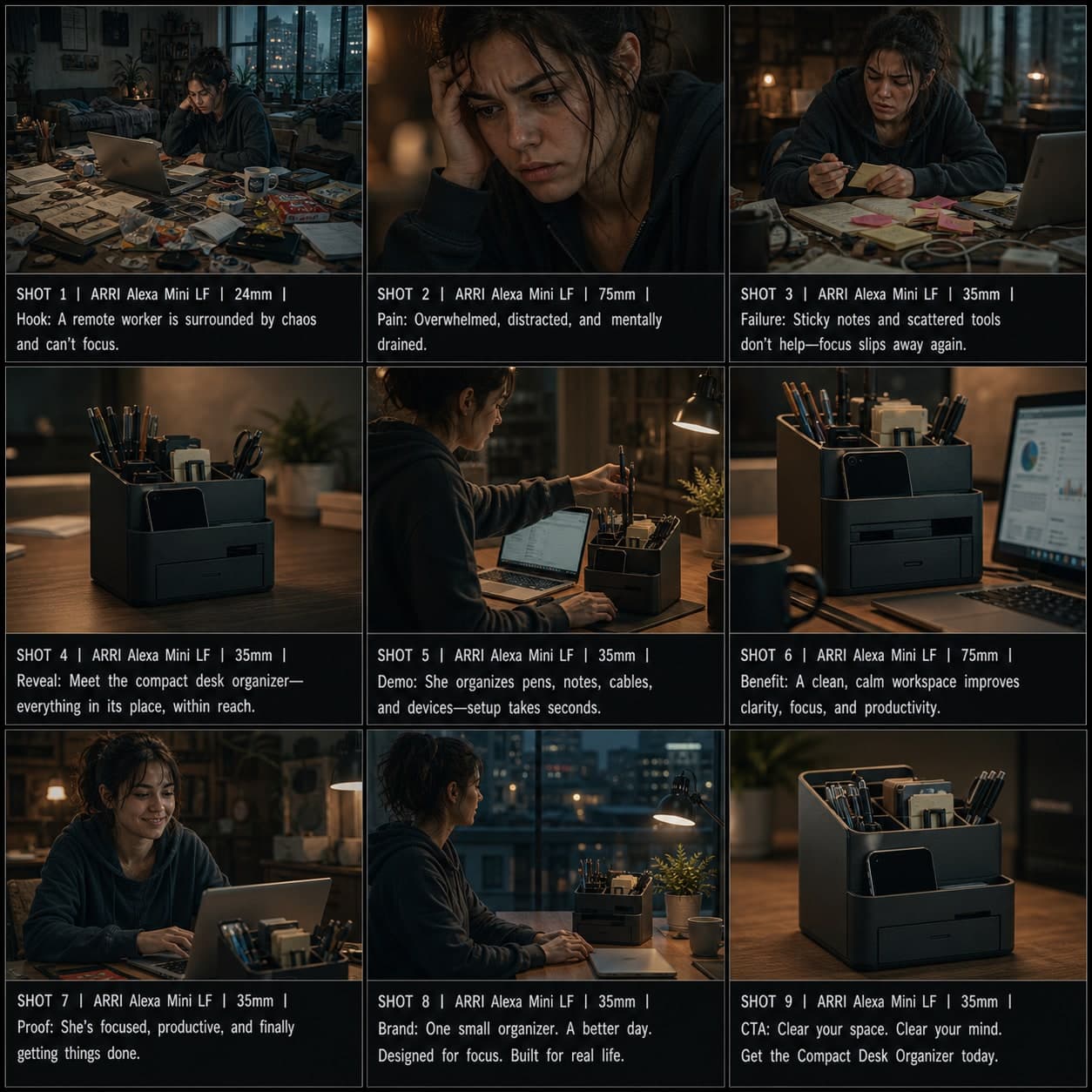
문제-해결 광고 스토리보드 템플릿
훅에서 데모, 증거, CTA까지 — 제품을 명확한 문제의 해결책으로 제시합니다. 문제-해결 광고 스토리보드 템플릿.
 3×3
3×3광고 / 제품
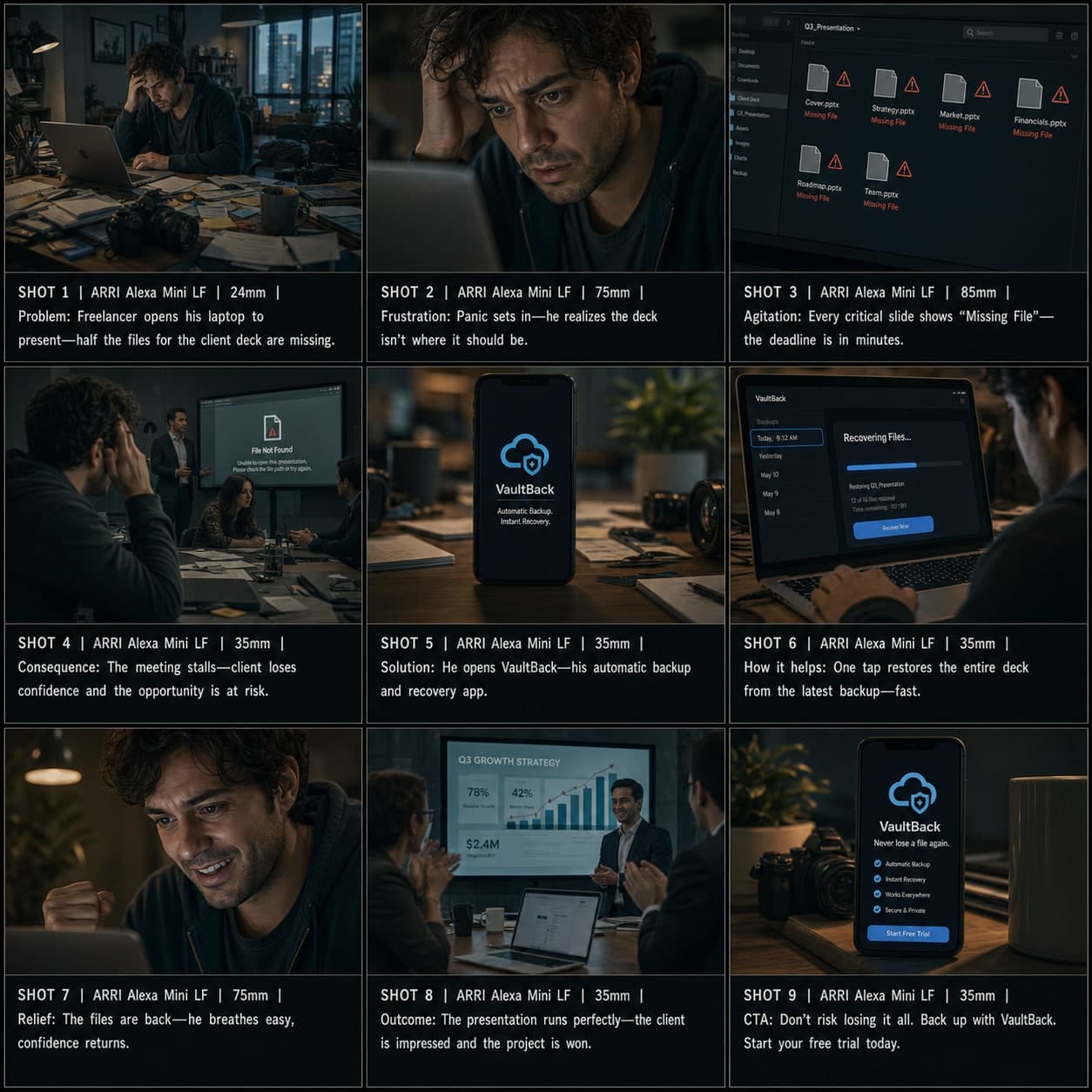
PAS 광고 스토리보드 템플릿
전환 중심 영상 광고를 위해 문제(Problem), 자극(Agitation), 해결(Solution) 구조를 활용합니다. 다이렉트 리스폰스 및 페인 포인트 마케팅을 위한 PAS 광고 스토리보드 템플릿.
 3×3
3×3광고 / 제품
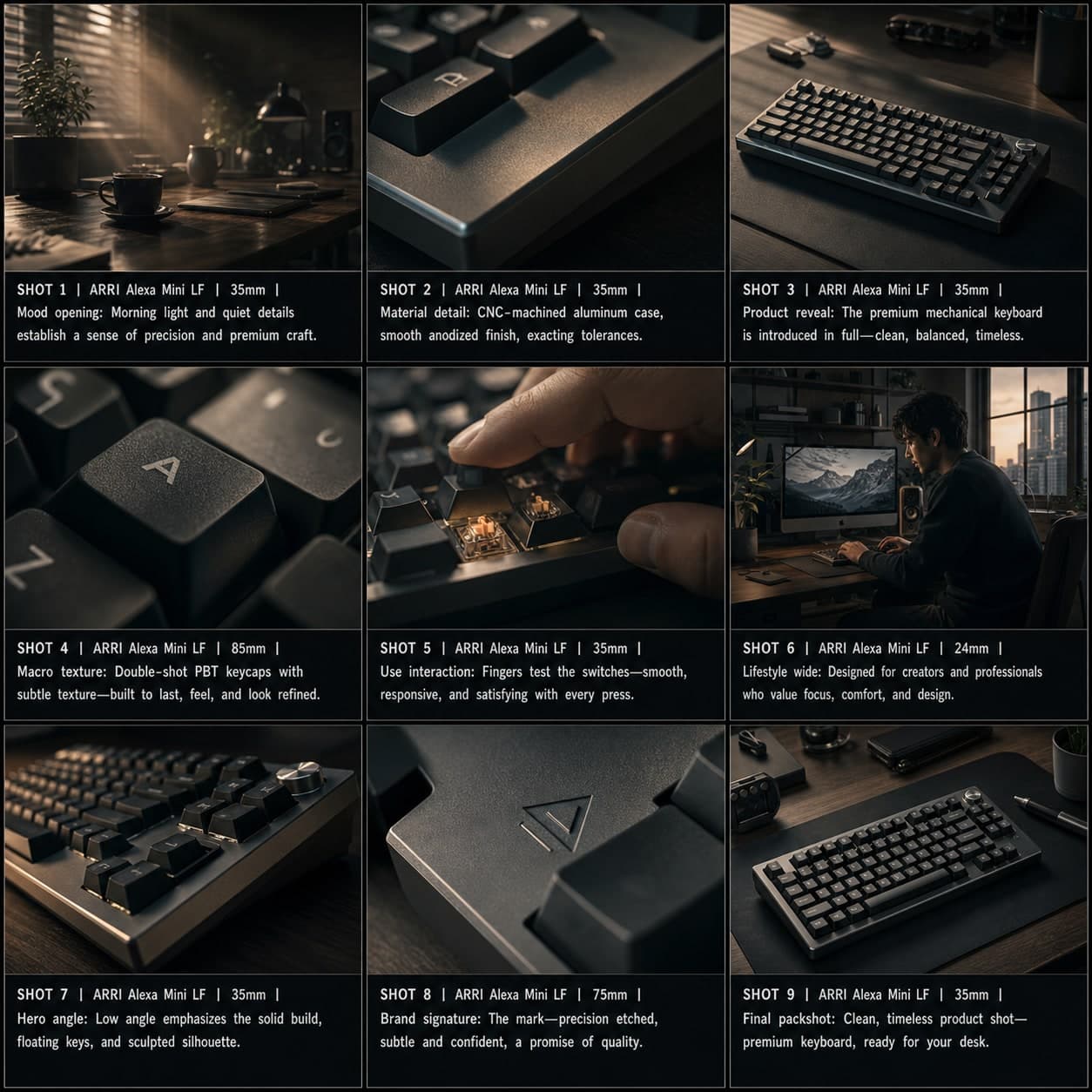
제품 뷰티 / 히어로 제품 스토리보드 템플릿
무드 오프닝에서 매크로 텍스처, 팩샷까지 프리미엄 제품 뷰티 시퀀스를 만듭니다. 럭셔리 브랜드를 위한 제품 뷰티 스토리보드 템플릿.