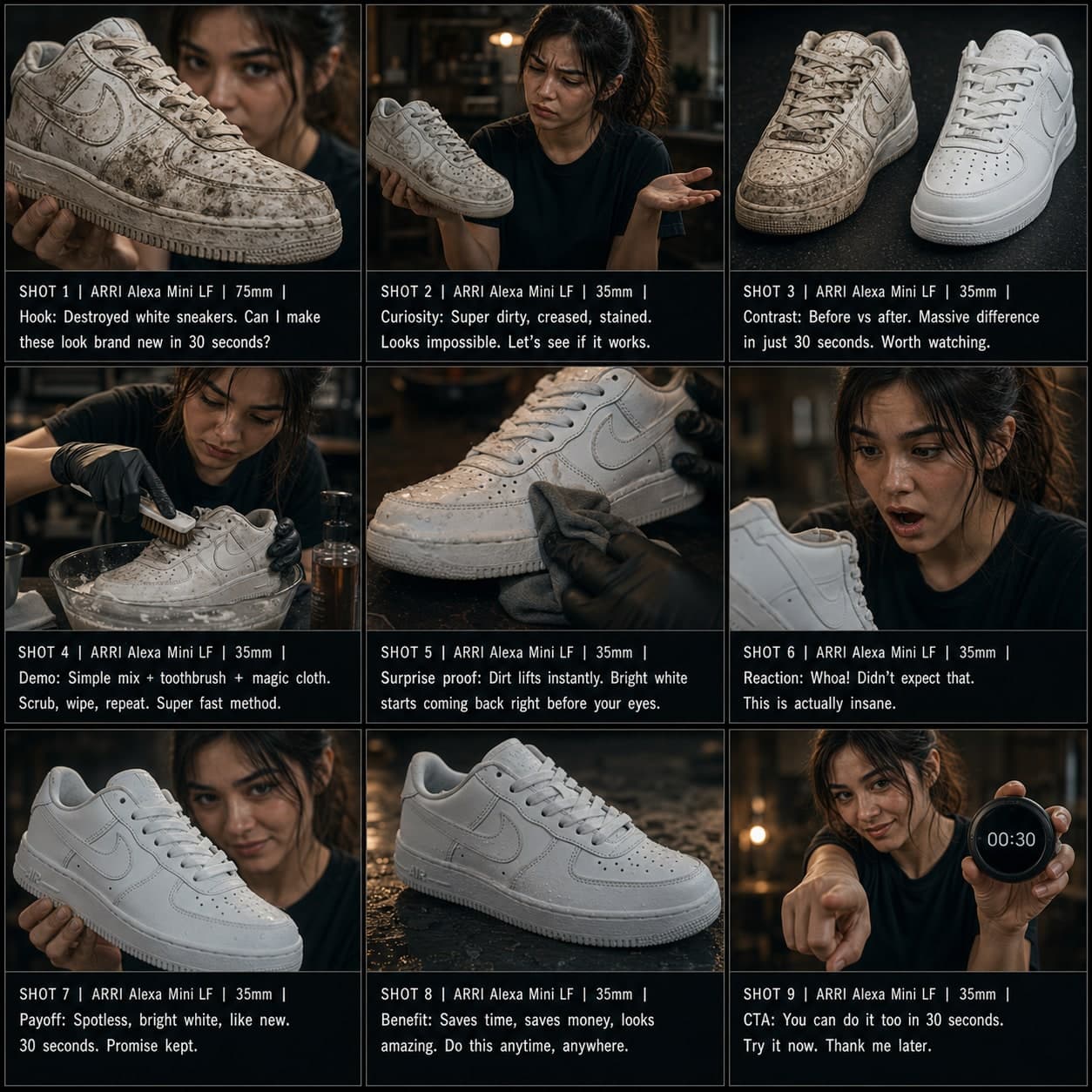
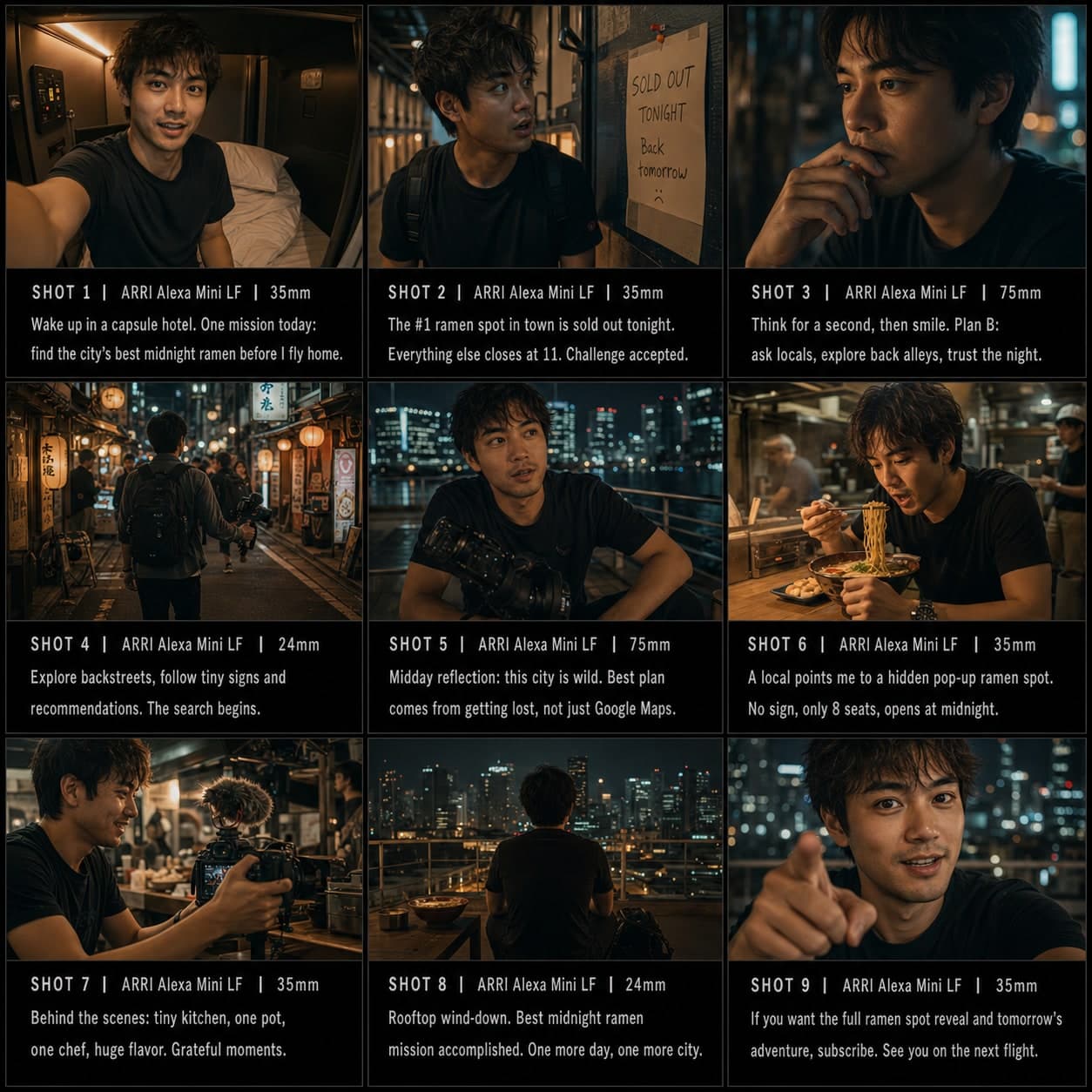
POV シナリオ ストーリーボードテンプレート
一人称視点のシチュエーションをフックからツイスト、オチまで構成する 9 コマシーケンス。没入型コンテンツに。
このテンプレートの用途
一人称のシチュエーションやロールプレイを構成する。
こんなときに使う
こんな用途に
- POV コンテンツ
- ロールプレイシナリオ
- シチュエーションコメディ
9 コマシーケンス構成
| # | ショット | 目的 | カメラ |
|---|---|---|---|
| 01 | POVフック | 視聴者を状況の中に入れる | POVフレーム |
| 02 | 状況設定 | 文脈を視覚的に説明する | ワイド / コンテキスト |
| 03 | 予想外の出来事 | ツイストを導入する | サプライズフレーム |
| 04 | リアクション | 即座の反応を見せる | クローズアップ |
| 05 | エスカレーション | ステークスを上げる | ダイナミックミディアム |
| 06 | 選択またはツイスト | 決断ポイントを加える | インサート / クローズアップ |
| 07 | 結果 | 何が起きるかを見せる | リザルトフレーム |
| 08 | 感情のビート | 感情を着地させる | リアクションショット |
| 09 | エンドパンチ | ジョーク、ツイスト、余韻で終わる | ファイナルフレーム |
01POVフック
視聴者を状況の中に入れる
POVフレーム
02状況設定
文脈を視覚的に説明する
ワイド / コンテキスト
03予想外の出来事
ツイストを導入する
サプライズフレーム
04リアクション
即座の反応を見せる
クローズアップ
05エスカレーション
ステークスを上げる
ダイナミックミディアム
06選択またはツイスト
決断ポイントを加える
インサート / クローズアップ
07結果
何が起きるかを見せる
リザルトフレーム
08感情のビート
感情を着地させる
リアクションショット
09エンドパンチ
ジョーク、ツイスト、余韻で終わる
ファイナルフレーム
あなたのストーリー
シーンやストーリーを一文で書いてください。下の Prompt がリアルタイムで更新されます。空欄のままだとサンプルストーリーが使われます。
Prompt プレビュー
Create a square 3x3 2048x2048 storyboard grid as a cinematic storyboard infographic showing structure a first-person situation or roleplay: POV: you arrive at a tiny rental cabin and realize the host left a mysterious handwritten rulebook. The sequence uses first-person framing, discovery, reaction, escalation, a choice, and a final twist from your point of view.

Use dark moody high-end film stills, realistic lighting, subtle teal-and-amber color grade, shallow depth of field, atmospheric dust and shadows. Maintain consistent subject identity, wardrobe, location type, visual medium, lighting, and color palette across all panels. If a reference image is provided, use it as the visual anchor for the subject, world, and style; if no reference image is provided, synthesize one coherent world from the story.

Plan the 9 storyboard panels yourself from the story and the template rhythm, then render the final infographic. Story facts must not change: preserve the named relationship, setting, key object, reveal, cause, and emotional meaning from the story. Do not replace the story's key object with a different document, incident, crime, accident, or backstory.

Arrange the storyboard in a clean 3x3 grid with thin black borders. Each tile must have a large crop-safe cinematic image area and a separate dark information strip below it. The image area must contain no text, labels, captions, UI, watermarks, or typography. Put all written information only in the strip below each image.

Sequence rhythm: POV hook → context → unexpected event → reaction → escalation → twist → result → punchline

Use this template structure as the shot grammar, but adapt every panel to the concrete story:
1. POV hook (top-left) — POV frame, 35mm. Purpose: Put viewer inside situation. Suggested strip pattern: "SHOT 1 | ARRI Alexa Mini LF | 35mm | [write the concrete story beat you plan for this panel]"
2. Situation setup (top-center) — Wide / context, 24mm. Purpose: Explain context visually. Suggested strip pattern: "SHOT 2 | ARRI Alexa Mini LF | 24mm | [write the concrete story beat you plan for this panel]"
3. Unexpected event (top-right) — Surprise frame, 35mm. Purpose: Introduce twist. Suggested strip pattern: "SHOT 3 | ARRI Alexa Mini LF | 35mm | [write the concrete story beat you plan for this panel]"
4. Reaction (middle-left) — Close-up, 75mm. Purpose: Show immediate response. Suggested strip pattern: "SHOT 4 | ARRI Alexa Mini LF | 75mm | [write the concrete story beat you plan for this panel]"
5. Escalation (center) — Dynamic medium, 35mm. Purpose: Increase stakes. Suggested strip pattern: "SHOT 5 | ARRI Alexa Mini LF | 35mm | [write the concrete story beat you plan for this panel]"
6. Choice or twist (middle-right) — Insert / close-up, 85mm. Purpose: Add decision point. Suggested strip pattern: "SHOT 6 | ARRI Alexa Mini LF | 85mm | [write the concrete story beat you plan for this panel]"
7. Result (bottom-left) — Result frame, 35mm. Purpose: Show what happens. Suggested strip pattern: "SHOT 7 | ARRI Alexa Mini LF | 35mm | [write the concrete story beat you plan for this panel]"
8. Emotional beat (bottom-center) — Reaction shot, 35mm. Purpose: Land feeling. Suggested strip pattern: "SHOT 8 | ARRI Alexa Mini LF | 35mm | [write the concrete story beat you plan for this panel]"
9. End punch (bottom-right) — Final frame, 35mm. Purpose: Finish with joke, twist, or lingering beat. Suggested strip pattern: "SHOT 9 | ARRI Alexa Mini LF | 35mm | [write the concrete story beat you plan for this panel]"

Each information strip must show the planned panel title, shot metadata, and the concrete story beat in plain English. The strip text must include the story's key object and reveal where relevant, so the sequence cannot be mistaken for a different incident. Use clear numbered scene titles, compact metadata, and concise action subtitles in the information strips. Use plain text only: no emojis, no decorative symbols, no fake app UI text, and no real brand logos or copyrighted marks. Make each panel visually distinct through shot scale, camera angle, lens feeling, blocking, foreground/background layering, and subject movement. Exactly 9 panels, no extra panels, no merged panels, no duplicate compositions, no speech bubbles, no lorem ipsum, high-detail professional storyboard sheet.
Prompt をコピーして、リファレンス画像と一緒に ChatGPT に貼り付けるとストーリーボードシートが生成されます。 chatgpt.com →