Modello di storyboard Confessione romantica
Strutturare una confessione romantica con esitazione, vulnerabilità e intimità emotiva. Un modello di storyboard di confessione romantica per scene anime e drama.
A cosa serve questo modello
Strutturare una confessione romantica o un momento di relazione emotivamente intimo.
Quando usarlo
Ideale per
- scene romantiche
- momenti di confessione
- momenti di relazione intima
Struttura di sequenza a 9 pannelli
| # | Inquadratura | Scopo | Camera |
|---|---|---|---|
| 01 | Spazio quieto condiviso | Posizionare due personaggi in un ambiente intimo o emotivamente carico | Piano a due |
| 02 | Sguardo evitato | Mostrare la tensione attraverso un linguaggio corporeo esitante | Piano medio primo piano |
| 03 | Piccolo gesto | Focus su mano, regalo, biglietto o piccolo movimento | Insert |
| 04 | Esitazione emotiva | Mostrare l'accumulo prima di parlare | Primo piano |
| 05 | Momento della confessione | Consegnare la confessione o la battuta emotiva chiave | Piano medio primo piano |
| 06 | Reazione scioccata | Mostrare la reazione sorpresa dell'altra persona | Primo piano |
| 07 | Primo piano emotivo dolce | Catturare vulnerabilità o tenerezza | Primo piano morbido |
| 08 | Vicinanza fisica | Mostrare l'avvicinamento, il tocco o il cambiamento di distanza intima | Piano medio a due |
| 09 | Immagine romantica persistente | Chiudere su un'immagine emotiva sognante o persistente | Piano finale atmosferico |
Posizionare due personaggi in un ambiente intimo o emotivamente carico
Mostrare la tensione attraverso un linguaggio corporeo esitante
Focus su mano, regalo, biglietto o piccolo movimento
Mostrare l'accumulo prima di parlare
Consegnare la confessione o la battuta emotiva chiave
Mostrare la reazione sorpresa dell'altra persona
Catturare vulnerabilità o tenerezza
Mostrare l'avvicinamento, il tocco o il cambiamento di distanza intima
Chiudere su un'immagine emotiva sognante o persistente
La tua storia
Descrivi la tua scena o storia in una frase. Il prompt sottostante si aggiorna in tempo reale. Lascia vuoto per usare l'esempio.
Anteprima Prompt
Create a square 3x3 2048x2048 storyboard grid as a cinematic storyboard infographic showing structure a romantic confession or emotionally intimate relationship moment: After a school festival, two childhood friends clean the empty classroom together. A small borrowed hairpin, avoided eye contact, and a half-finished confession turn a quiet room into an intimate turning point.

Use dark moody high-end film stills, realistic lighting, subtle teal-and-amber color grade, shallow depth of field, atmospheric dust and shadows. Maintain consistent subject identity, wardrobe, location type, visual medium, lighting, and color palette across all panels. If a reference image is provided, use it as the visual anchor for the subject, world, and style; if no reference image is provided, synthesize one coherent world from the story.

Plan the 9 storyboard panels yourself from the story and the template rhythm, then render the final infographic. Story facts must not change: preserve the named relationship, setting, key object, reveal, cause, and emotional meaning from the story. Do not replace the story's key object with a different document, incident, crime, accident, or backstory.

Arrange the storyboard in a clean 3x3 grid with thin black borders. Each tile must have a large crop-safe cinematic image area and a separate dark information strip below it. The image area must contain no text, labels, captions, UI, watermarks, or typography. Put all written information only in the strip below each image.

Sequence rhythm: Quiet space → avoided eye contact → small gesture → hesitation → confession → shocked reaction → soft close-up → physical closeness → lingering frame

Use this template structure as the shot grammar, but adapt every panel to the concrete story:
1. Shared quiet space (top-left) — Two-shot, 35mm. Purpose: Place two characters in a private or emotionally charged setting. Suggested strip pattern: "SHOT 1 | ARRI Alexa Mini LF | 35mm | [write the concrete story beat you plan for this panel]"
2. Avoided eye contact (top-center) — Medium close-up, 75mm. Purpose: Show tension through hesitant body language. Suggested strip pattern: "SHOT 2 | ARRI Alexa Mini LF | 75mm | [write the concrete story beat you plan for this panel]"
3. Small gesture (top-right) — Insert, 85mm. Purpose: Focus on hand, gift, note, or tiny movement. Suggested strip pattern: "SHOT 3 | ARRI Alexa Mini LF | 85mm | [write the concrete story beat you plan for this panel]"
4. Emotional hesitation (middle-left) — Close-up, 75mm. Purpose: Show the buildup before speaking. Suggested strip pattern: "SHOT 4 | ARRI Alexa Mini LF | 75mm | [write the concrete story beat you plan for this panel]"
5. Confession moment (center) — Medium close-up, 75mm. Purpose: Deliver the confession or key emotional line. Suggested strip pattern: "SHOT 5 | ARRI Alexa Mini LF | 75mm | [write the concrete story beat you plan for this panel]"
6. Shocked reaction (middle-right) — Close-up, 75mm. Purpose: Show the other person's surprised reaction. Suggested strip pattern: "SHOT 6 | ARRI Alexa Mini LF | 75mm | [write the concrete story beat you plan for this panel]"
7. Soft emotional close-up (bottom-left) — Soft close-up, 75mm. Purpose: Capture vulnerability or tenderness. Suggested strip pattern: "SHOT 7 | ARRI Alexa Mini LF | 75mm | [write the concrete story beat you plan for this panel]"
8. Physical closeness (bottom-center) — Medium two-shot, 35mm. Purpose: Show stepping closer, touch, or intimate distance shift. Suggested strip pattern: "SHOT 8 | ARRI Alexa Mini LF | 35mm | [write the concrete story beat you plan for this panel]"
9. Romantic lingering frame (bottom-right) — Atmospheric final frame, 35mm. Purpose: End on a dreamy or lingering emotional image. Suggested strip pattern: "SHOT 9 | ARRI Alexa Mini LF | 35mm | [write the concrete story beat you plan for this panel]"

Each information strip must show the planned panel title, shot metadata, and the concrete story beat in plain English. The strip text must include the story's key object and reveal where relevant, so the sequence cannot be mistaken for a different incident. Use clear numbered scene titles, compact metadata, and concise action subtitles in the information strips. Use plain text only: no emojis, no decorative symbols, no fake app UI text, and no real brand logos or copyrighted marks. Make each panel visually distinct through shot scale, camera angle, lens feeling, blocking, foreground/background layering, and subject movement. Exactly 9 panels, no extra panels, no merged panels, no duplicate compositions, no speech bubbles, no lorem ipsum, high-detail professional storyboard sheet.
Copia il prompt e incollalo in ChatGPT insieme alla tua immagine di riferimento per generare uno storyboard. chatgpt.com →
Modelli correlati
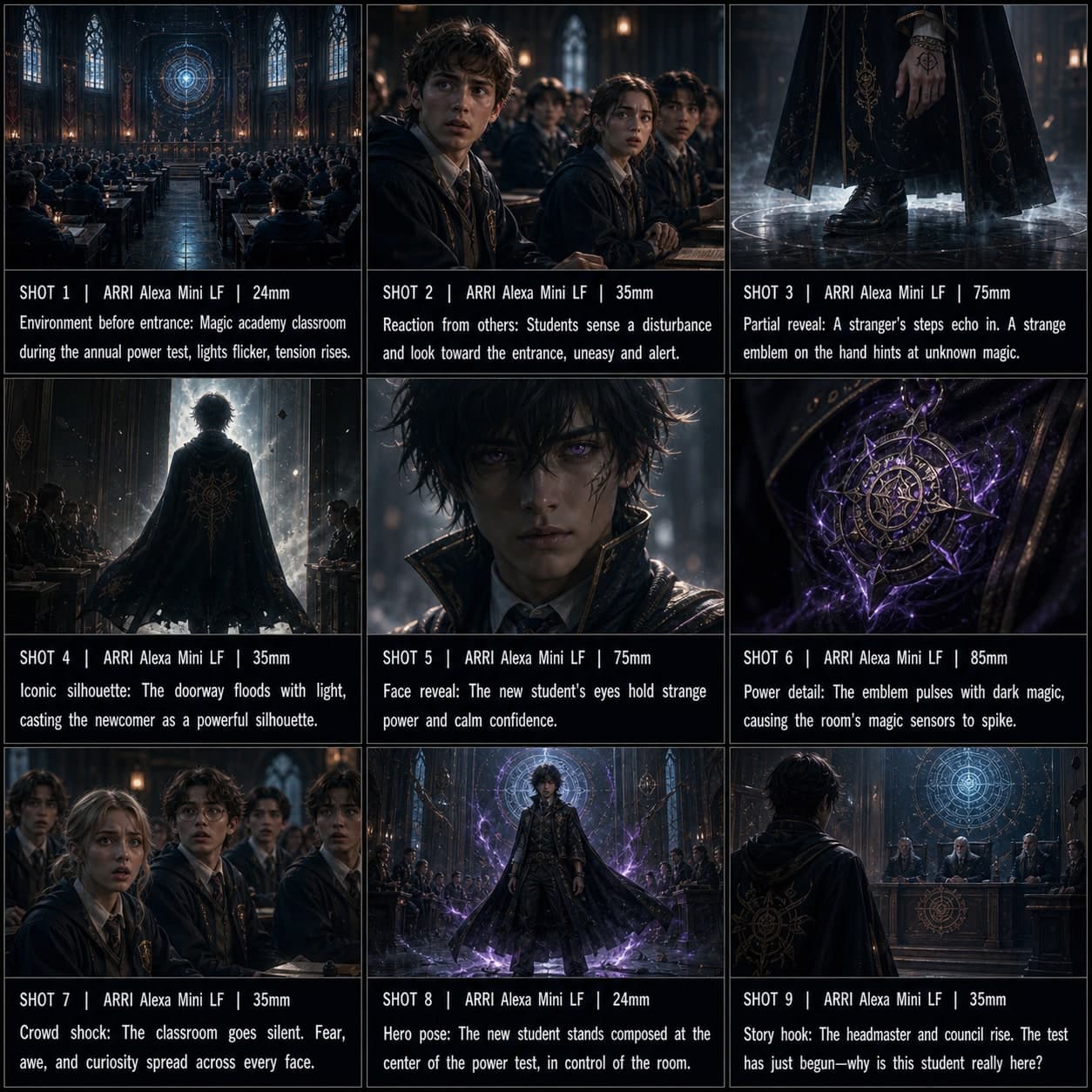 3×3
3×3Modello di storyboard Entrata del personaggio anime
Introdurre un personaggio con un'entrata drammatica in stile anime, inquadrature di reazione e posa hero iconica. Un modello di storyboard personaggio anime per visual novel.
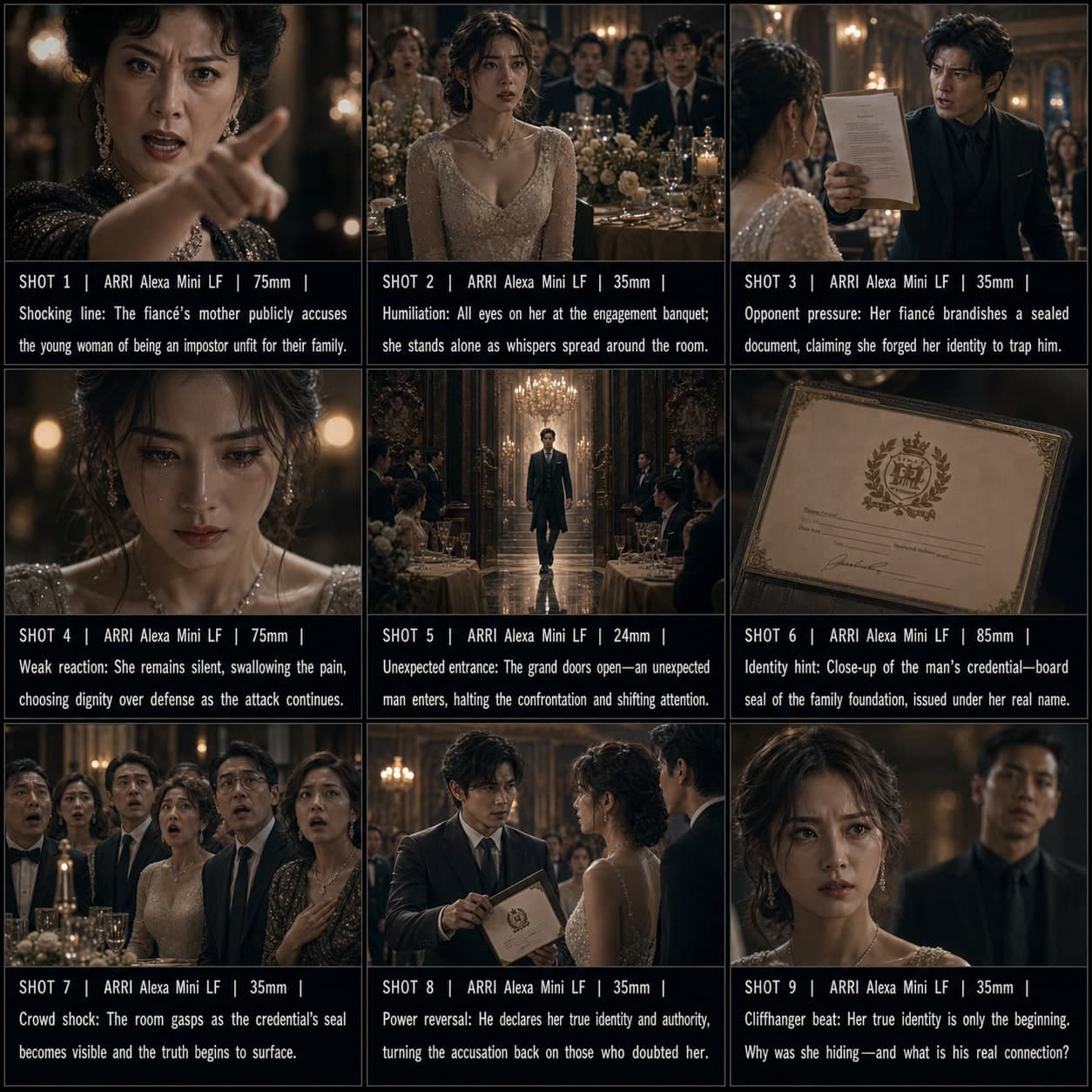 3×3
3×3Modello di storyboard Hook drama manhua
Creare un'apertura di cortometraggio drammatico ad alta tensione con energia cliffhanger istantanea. Un modello di storyboard drama manhua per sequenze hook di conflitto.
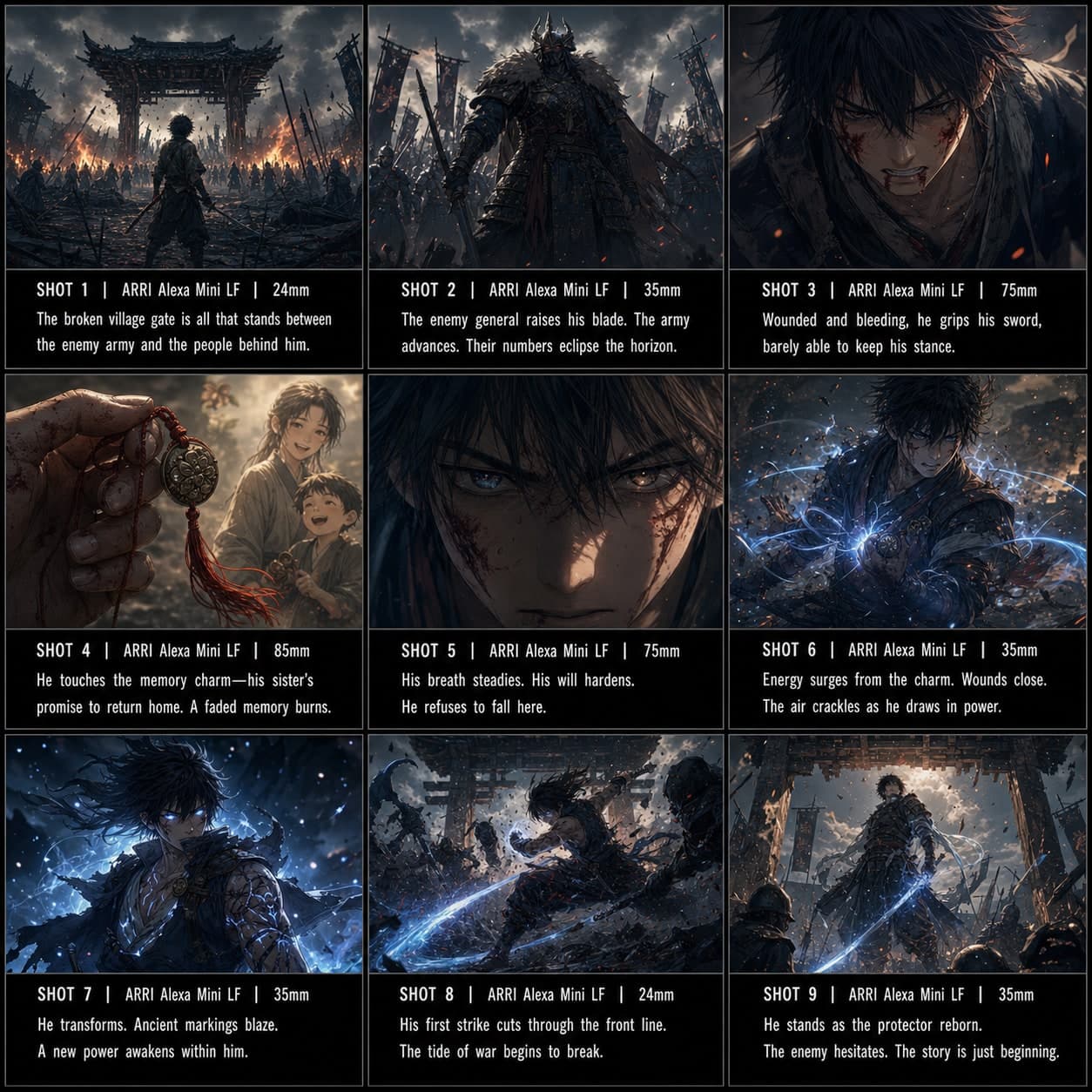 3×3
3×3Modello di storyboard Battaglia / Power-up
Costruire una sequenza di risveglio o power-up in stile anime prima di un contrattacco decisivo. Un modello di storyboard di battaglia per scene d'azione anime.