Liebesgeständnis Storyboard-Vorlage
Ein romantisches Geständnis mit Zögern, Verletzlichkeit und emotionaler Intimität strukturieren. Eine Liebesgeständnis-Storyboard-Vorlage für Anime- und Dramaszenen.
Wofür diese Vorlage gedacht ist
Ein romantisches Geständnis oder einen emotional intimen Beziehungsmoment strukturieren.
Wann sie eingesetzt wird
Ideal für
- Liebesszenen
- Geständnismomente
- intime Beziehungsmomente
9-Panel-Sequenzstruktur
| # | Einstellung | Zweck | Kamera |
|---|---|---|---|
| 01 | Gemeinsamer stiller Raum | Zwei Figuren in privater oder emotional aufgeladener Umgebung platzieren | Zweiereinstellung |
| 02 | Vermiedener Blickkontakt | Spannung durch zögerliche Körpersprache zeigen | Halbnahe Nahaufnahme |
| 03 | Kleine Geste | Auf Hand, Geschenk, Notiz oder kleine Bewegung fokussieren | Insert |
| 04 | Emotionales Zögern | Aufbau vor dem Sprechen zeigen | Nahaufnahme |
| 05 | Geständnis-Moment | Geständnis oder emotionale Schlüsselzeile überbringen | Halbnahe Nahaufnahme |
| 06 | Schockierte Reaktion | Überraschte Reaktion der anderen Person zeigen | Nahaufnahme |
| 07 | Sanfte emotionale Nahaufnahme | Verletzlichkeit oder Zärtlichkeit einfangen | Sanfte Nahaufnahme |
| 08 | Physische Nähe | Näherkommen, Berührung oder intime Distanz zeigen | Halbnah-Zweiereinstellung |
| 09 | Romantisch verweilendes Bild | Mit verträumtem oder nachklingendem emotionalen Bild enden | Atmosphärisches Schlussbild |
Zwei Figuren in privater oder emotional aufgeladener Umgebung platzieren
Spannung durch zögerliche Körpersprache zeigen
Auf Hand, Geschenk, Notiz oder kleine Bewegung fokussieren
Aufbau vor dem Sprechen zeigen
Geständnis oder emotionale Schlüsselzeile überbringen
Überraschte Reaktion der anderen Person zeigen
Verletzlichkeit oder Zärtlichkeit einfangen
Näherkommen, Berührung oder intime Distanz zeigen
Mit verträumtem oder nachklingendem emotionalen Bild enden
Ihre Geschichte
Beschreiben Sie Ihre Szene oder Geschichte in einem Satz. Der Prompt unten aktualisiert sich in Echtzeit. Leer lassen, um die Beispielgeschichte zu verwenden.
Prompt-Vorschau
Create a square 3x3 2048x2048 storyboard grid as a cinematic storyboard infographic showing structure a romantic confession or emotionally intimate relationship moment: After a school festival, two childhood friends clean the empty classroom together. A small borrowed hairpin, avoided eye contact, and a half-finished confession turn a quiet room into an intimate turning point.

Use dark moody high-end film stills, realistic lighting, subtle teal-and-amber color grade, shallow depth of field, atmospheric dust and shadows. Maintain consistent subject identity, wardrobe, location type, visual medium, lighting, and color palette across all panels. If a reference image is provided, use it as the visual anchor for the subject, world, and style; if no reference image is provided, synthesize one coherent world from the story.

Plan the 9 storyboard panels yourself from the story and the template rhythm, then render the final infographic. Story facts must not change: preserve the named relationship, setting, key object, reveal, cause, and emotional meaning from the story. Do not replace the story's key object with a different document, incident, crime, accident, or backstory.

Arrange the storyboard in a clean 3x3 grid with thin black borders. Each tile must have a large crop-safe cinematic image area and a separate dark information strip below it. The image area must contain no text, labels, captions, UI, watermarks, or typography. Put all written information only in the strip below each image.

Sequence rhythm: Quiet space → avoided eye contact → small gesture → hesitation → confession → shocked reaction → soft close-up → physical closeness → lingering frame

Use this template structure as the shot grammar, but adapt every panel to the concrete story:
1. Shared quiet space (top-left) — Two-shot, 35mm. Purpose: Place two characters in a private or emotionally charged setting. Suggested strip pattern: "SHOT 1 | ARRI Alexa Mini LF | 35mm | [write the concrete story beat you plan for this panel]"
2. Avoided eye contact (top-center) — Medium close-up, 75mm. Purpose: Show tension through hesitant body language. Suggested strip pattern: "SHOT 2 | ARRI Alexa Mini LF | 75mm | [write the concrete story beat you plan for this panel]"
3. Small gesture (top-right) — Insert, 85mm. Purpose: Focus on hand, gift, note, or tiny movement. Suggested strip pattern: "SHOT 3 | ARRI Alexa Mini LF | 85mm | [write the concrete story beat you plan for this panel]"
4. Emotional hesitation (middle-left) — Close-up, 75mm. Purpose: Show the buildup before speaking. Suggested strip pattern: "SHOT 4 | ARRI Alexa Mini LF | 75mm | [write the concrete story beat you plan for this panel]"
5. Confession moment (center) — Medium close-up, 75mm. Purpose: Deliver the confession or key emotional line. Suggested strip pattern: "SHOT 5 | ARRI Alexa Mini LF | 75mm | [write the concrete story beat you plan for this panel]"
6. Shocked reaction (middle-right) — Close-up, 75mm. Purpose: Show the other person's surprised reaction. Suggested strip pattern: "SHOT 6 | ARRI Alexa Mini LF | 75mm | [write the concrete story beat you plan for this panel]"
7. Soft emotional close-up (bottom-left) — Soft close-up, 75mm. Purpose: Capture vulnerability or tenderness. Suggested strip pattern: "SHOT 7 | ARRI Alexa Mini LF | 75mm | [write the concrete story beat you plan for this panel]"
8. Physical closeness (bottom-center) — Medium two-shot, 35mm. Purpose: Show stepping closer, touch, or intimate distance shift. Suggested strip pattern: "SHOT 8 | ARRI Alexa Mini LF | 35mm | [write the concrete story beat you plan for this panel]"
9. Romantic lingering frame (bottom-right) — Atmospheric final frame, 35mm. Purpose: End on a dreamy or lingering emotional image. Suggested strip pattern: "SHOT 9 | ARRI Alexa Mini LF | 35mm | [write the concrete story beat you plan for this panel]"

Each information strip must show the planned panel title, shot metadata, and the concrete story beat in plain English. The strip text must include the story's key object and reveal where relevant, so the sequence cannot be mistaken for a different incident. Use clear numbered scene titles, compact metadata, and concise action subtitles in the information strips. Use plain text only: no emojis, no decorative symbols, no fake app UI text, and no real brand logos or copyrighted marks. Make each panel visually distinct through shot scale, camera angle, lens feeling, blocking, foreground/background layering, and subject movement. Exactly 9 panels, no extra panels, no merged panels, no duplicate compositions, no speech bubbles, no lorem ipsum, high-detail professional storyboard sheet.
Kopieren Sie den Prompt und fügen Sie ihn zusammen mit Ihrem Referenzbild in ChatGPT ein, um ein Storyboard-Blatt zu generieren. chatgpt.com →
Ähnliche Vorlagen
 3×3
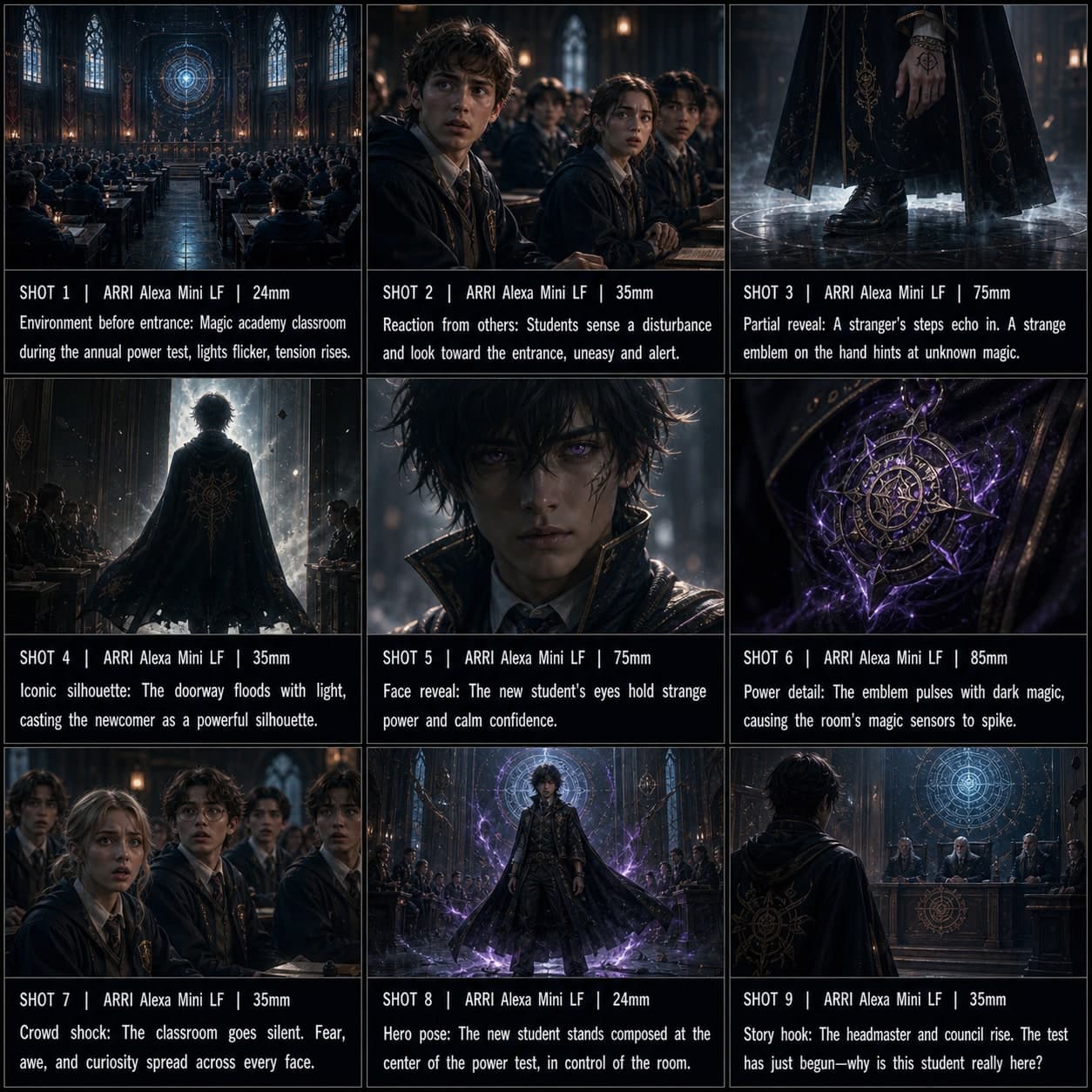
3×3Anime-Charakterauftritt Storyboard-Vorlage
Einen Charakter mit dramatischem Anime-Stil-Auftritt, Reaktionsaufnahmen und ikonischer Heldenpose einführen. Eine Anime-Charakter-Storyboard-Vorlage für Visual Novels.
 3×3
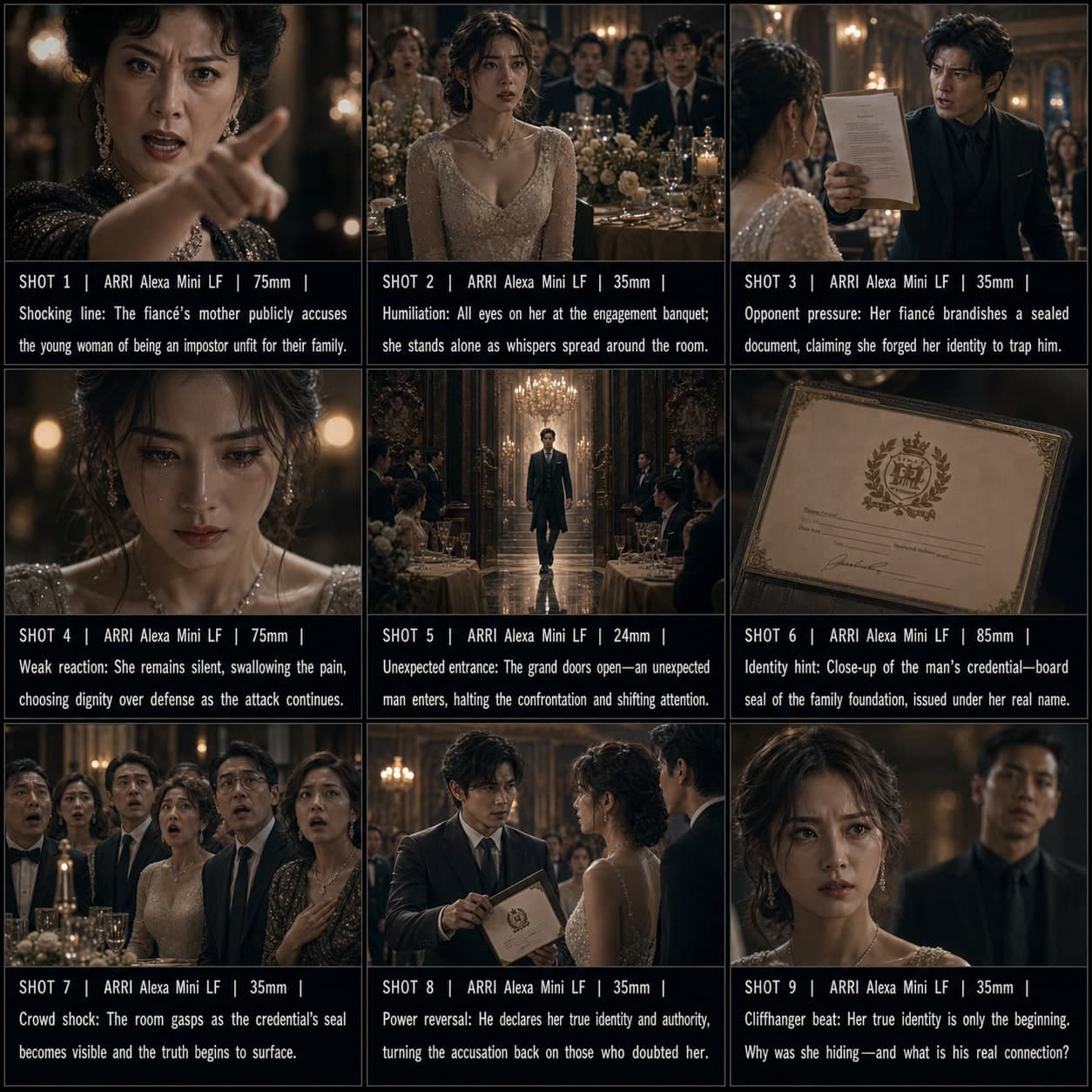
3×3Manhua-Drama-Hook Storyboard-Vorlage
Eine hochkonfliktgeladene Kurzdrama-Eröffnung mit sofortiger Spannung und Cliffhanger-Energie erstellen. Eine Manhua-Drama-Storyboard-Vorlage für Konflikthook-Sequenzen.
 3×3
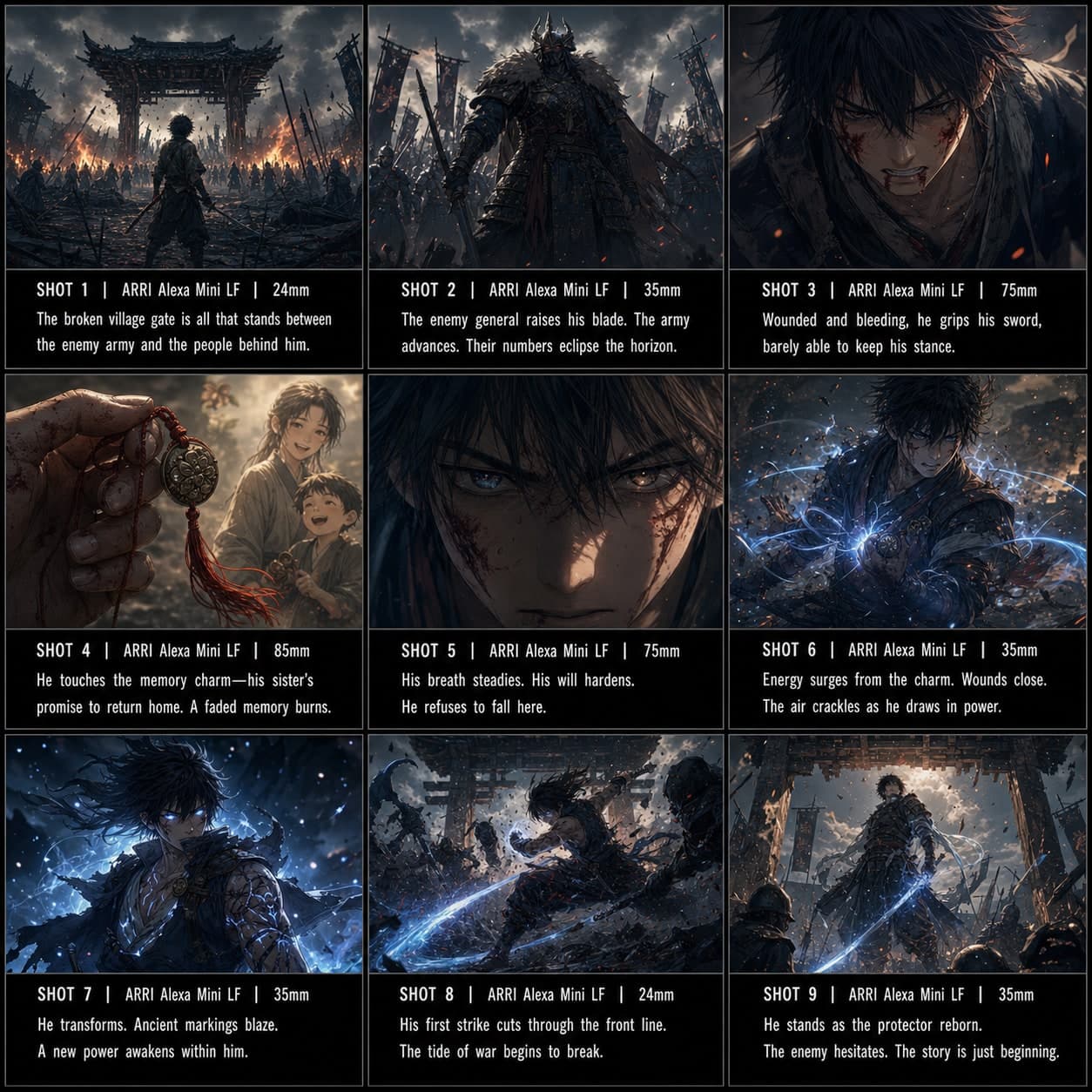
3×3Kampf-Power-Up Storyboard-Vorlage
Eine Anime-artige Erwachungs- oder Power-Up-Sequenz vor einem entscheidenden Gegenangriff aufbauen. Eine Kampf-Power-Up-Storyboard-Vorlage für Anime-Actionszenen.