Spielcharakter-Enthüllung Storyboard-Vorlage
Einen spielbaren Charakter mit Lore, Attitüde und Kampfidentität in einer filmischen Enthüllung einführen. Eine Spielcharakter-Storyboard-Vorlage für Trailer.
Wofür diese Vorlage gedacht ist
Einen spielartigen spielbaren Charakter mit Lore, Attitüde und Kampfidentität einführen.
Wann sie eingesetzt wird
Ideal für
- Spielcharakter-Einführungen
- spielbare Charakterenthüllungen
- Spieltrailer
9-Panel-Sequenzstruktur
| # | Einstellung | Zweck | Kamera |
|---|---|---|---|
| 01 | Welt-Setup | Welt oder Umgebung etablieren | Totale |
| 02 | Umgebungs-Bedrohung oder Missions-Hinweis | Konflikt oder Ziel andeuten | Halbtotale |
| 03 | Figuren-Silhouette | Figur indirekt einführen | Silhouetten-Einstellung |
| 04 | Ausrüstungs- oder Waffen-Detail | Signatur-Ausrüstung zeigen | Insert |
| 05 | Gesichts-Enthüllung | Figur deutlich enthüllen | Nahaufnahme |
| 06 | Fähigkeits-Hinweis | Einzigartige Kraft oder Fähigkeit andeuten | Dynamische Halbnahe |
| 07 | Helden-Aktions-Beat | Bewegung oder Bereitschaft zeigen | Aktions-Einstellung |
| 08 | Signatur-Pose | Auf ikonischer Helden-Identität einfrieren | Helden-Pose |
| 09 | Kampagnen-Hook | Geschichte, Mission oder nächsten Schritt andeuten | Finales Handlungs-Hook-Bild |
Welt oder Umgebung etablieren
Konflikt oder Ziel andeuten
Figur indirekt einführen
Signatur-Ausrüstung zeigen
Figur deutlich enthüllen
Einzigartige Kraft oder Fähigkeit andeuten
Bewegung oder Bereitschaft zeigen
Auf ikonischer Helden-Identität einfrieren
Geschichte, Mission oder nächsten Schritt andeuten
Ihre Geschichte
Beschreiben Sie Ihre Szene oder Geschichte in einem Satz. Der Prompt unten aktualisiert sich in Echtzeit. Leer lassen, um die Beispielgeschichte zu verwenden.
Prompt-Vorschau
Create a square 3x3 2048x2048 storyboard grid as a cinematic storyboard infographic showing introduce a game-like playable character with lore, attitude, and combat identity: In a flooded post-apocalyptic subway, a playable scavenger is introduced through world danger, silhouette, gear details, visor glow, a quick ability hint, and a final mission-ready pose.

Use dark moody high-end film stills, realistic lighting, subtle teal-and-amber color grade, shallow depth of field, atmospheric dust and shadows. Maintain consistent subject identity, wardrobe, location type, visual medium, lighting, and color palette across all panels. If a reference image is provided, use it as the visual anchor for the subject, world, and style; if no reference image is provided, synthesize one coherent world from the story.

Plan the 9 storyboard panels yourself from the story and the template rhythm, then render the final infographic. Story facts must not change: preserve the named relationship, setting, key object, reveal, cause, and emotional meaning from the story. Do not replace the story's key object with a different document, incident, crime, accident, or backstory.

Arrange the storyboard in a clean 3x3 grid with thin black borders. Each tile must have a large crop-safe cinematic image area and a separate dark information strip below it. The image area must contain no text, labels, captions, UI, watermarks, or typography. Put all written information only in the strip below each image.

Sequence rhythm: World setup → threat cue → character silhouette → gear detail → face reveal → ability hint → action beat → signature pose → campaign hook

Use this template structure as the shot grammar, but adapt every panel to the concrete story:
1. World setup (top-left) — Wide, 24mm. Purpose: Establish the world or environment. Suggested strip pattern: "SHOT 1 | ARRI Alexa Mini LF | 24mm | [write the concrete story beat you plan for this panel]"
2. Environmental threat or mission cue (top-center) — Medium wide, 24mm. Purpose: Hint at conflict or objective. Suggested strip pattern: "SHOT 2 | ARRI Alexa Mini LF | 24mm | [write the concrete story beat you plan for this panel]"
3. Character silhouette (top-right) — Silhouette shot, 35mm. Purpose: Introduce the character indirectly. Suggested strip pattern: "SHOT 3 | ARRI Alexa Mini LF | 35mm | [write the concrete story beat you plan for this panel]"
4. Gear or weapon detail (middle-left) — Insert, 85mm. Purpose: Show signature equipment. Suggested strip pattern: "SHOT 4 | ARRI Alexa Mini LF | 85mm | [write the concrete story beat you plan for this panel]"
5. Face reveal (center) — Close-up, 75mm. Purpose: Reveal the character clearly. Suggested strip pattern: "SHOT 5 | ARRI Alexa Mini LF | 75mm | [write the concrete story beat you plan for this panel]"
6. Ability hint (middle-right) — Dynamic medium, 35mm. Purpose: Show a unique power or skill cue. Suggested strip pattern: "SHOT 6 | ARRI Alexa Mini LF | 35mm | [write the concrete story beat you plan for this panel]"
7. Hero action beat (bottom-left) — Action shot, 35mm. Purpose: Show movement or readiness. Suggested strip pattern: "SHOT 7 | ARRI Alexa Mini LF | 35mm | [write the concrete story beat you plan for this panel]"
8. Signature pose (bottom-center) — Hero pose, 35mm. Purpose: Freeze on iconic hero identity. Suggested strip pattern: "SHOT 8 | ARRI Alexa Mini LF | 35mm | [write the concrete story beat you plan for this panel]"
9. Campaign hook (bottom-right) — Final story hook frame, 35mm. Purpose: Suggest story, mission, or next step. Suggested strip pattern: "SHOT 9 | ARRI Alexa Mini LF | 35mm | [write the concrete story beat you plan for this panel]"

Each information strip must show the planned panel title, shot metadata, and the concrete story beat in plain English. The strip text must include the story's key object and reveal where relevant, so the sequence cannot be mistaken for a different incident. Use clear numbered scene titles, compact metadata, and concise action subtitles in the information strips. Use plain text only: no emojis, no decorative symbols, no fake app UI text, and no real brand logos or copyrighted marks. Make each panel visually distinct through shot scale, camera angle, lens feeling, blocking, foreground/background layering, and subject movement. Exactly 9 panels, no extra panels, no merged panels, no duplicate compositions, no speech bubbles, no lorem ipsum, high-detail professional storyboard sheet.
Kopieren Sie den Prompt und fügen Sie ihn zusammen mit Ihrem Referenzbild in ChatGPT ein, um ein Storyboard-Blatt zu generieren. chatgpt.com →
Ähnliche Vorlagen
 3×3
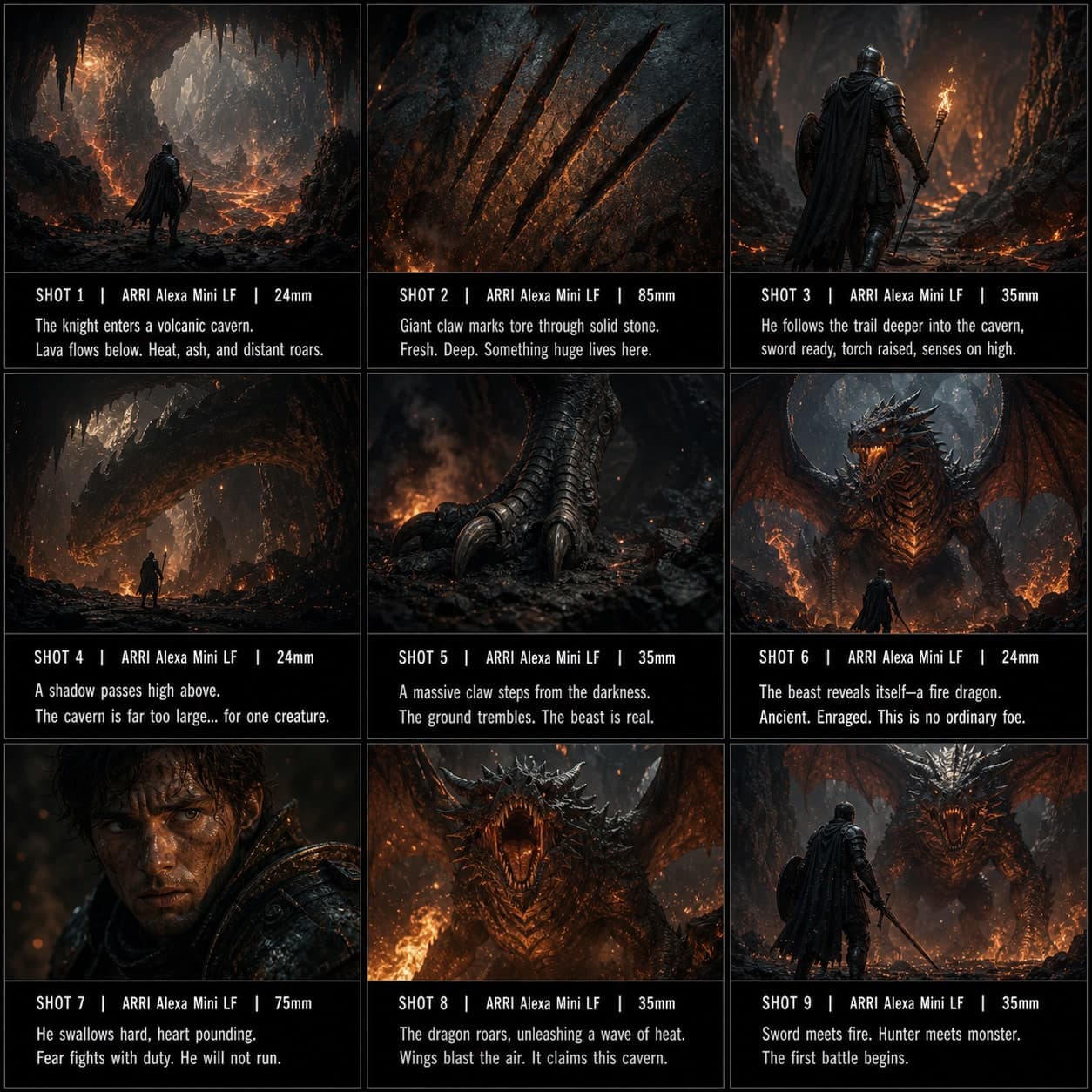
3×3Boss / Monster-Begegnung Storyboard-Vorlage
Eine dramatische erste Begegnung mit einem mächtigen Boss oder einer Kreatur durch Größe und Spannung aufbauen. Eine Boss-Begegnungs-Storyboard-Vorlage für Spielcinematik.
 3×3
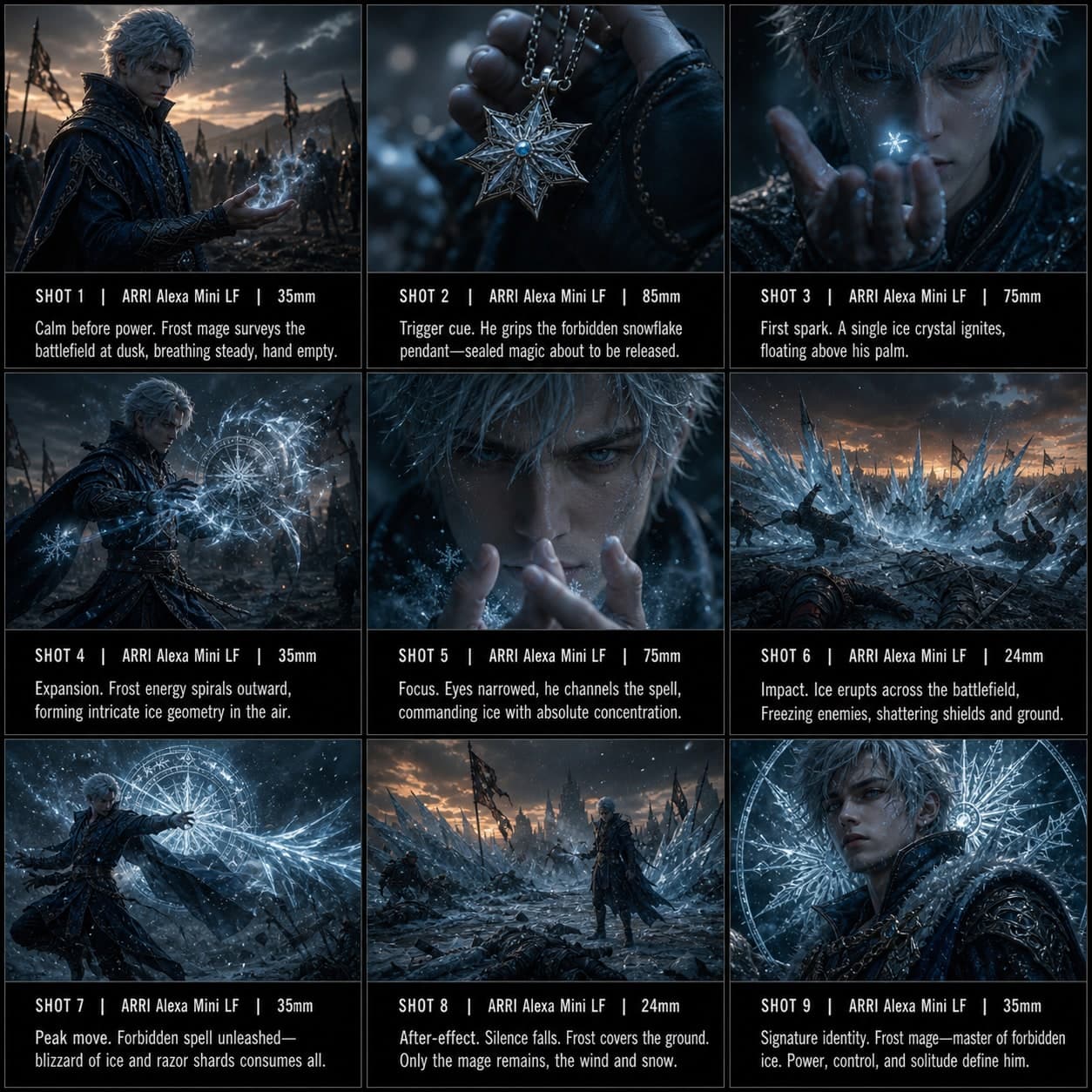
3×3Fähigkeiten-Showcase Storyboard-Vorlage
Die Signatur-Kraft eines Charakters in einer stilvollen Sequenz vom Auslöser bis zum Spitzeneffekt hervorheben. Eine Fähigkeiten-Showcase-Storyboard-Vorlage für Spiel- und Anime-Inhalte.