Fünf-Einstellungen-Prozess Storyboard-Vorlage
Jemanden bei einer Tätigkeit durch essenzielle visuelle Abdeckung zeigen – Ergebnis, Hände, Gesicht, Kontext, Detail. Eine Fünf-Einstellungen-Prozess-Storyboard-Vorlage für Maker-Inhalte.
Wofür diese Vorlage gedacht ist
Jemanden bei einer Tätigkeit durch essenzielle visuelle Abdeckung zeigen.
Wann sie eingesetzt wird
Ideal für
- Prozessdokumentation
- Handwerkspräsentationen
- Maker-Inhalte
9-Panel-Sequenzstruktur
| # | Einstellung | Zweck | Kamera |
|---|---|---|---|
| 01 | Ergebnis-Vorschau | Zeigen, was hergestellt oder erreicht wird | Ergebnis-Einstellung |
| 02 | Hände-Nahaufnahme | Zeigen, was gemacht wird | Hände-Nahaufnahme |
| 03 | Gesicht oder Subjekt-Nahaufnahme | Zeigen, wer es tut | Nahaufnahme |
| 04 | Totale Kontext | Zeigen, wo es passiert | Totale |
| 05 | Über-die-Schulter | Zeigen, wie es gemacht wird | Über-die-Schulter |
| 06 | Schlüssel-Detail-Schritt | Entscheidendes Detail zeigen | Insert |
| 07 | Problem oder Korrektur | Schwierigkeit oder Anpassung zeigen | Halbnah / Nahaufnahme |
| 08 | Abschluss-Handlung | Abschließende Aktion zeigen | Aktions-Einstellung |
| 09 | Endgültiges Ergebnis | Fertiges Ergebnis zeigen | Ergebnis-Bild |
Zeigen, was hergestellt oder erreicht wird
Zeigen, was gemacht wird
Zeigen, wer es tut
Zeigen, wo es passiert
Zeigen, wie es gemacht wird
Entscheidendes Detail zeigen
Schwierigkeit oder Anpassung zeigen
Abschließende Aktion zeigen
Fertiges Ergebnis zeigen
Ihre Geschichte
Beschreiben Sie Ihre Szene oder Geschichte in einem Satz. Der Prompt unten aktualisiert sich in Echtzeit. Leer lassen, um die Beispielgeschichte zu verwenden.
Prompt-Vorschau
Create a square 3x3 2048x2048 storyboard grid as a cinematic storyboard infographic showing show someone doing something through essential visual coverage: A ceramic artist turns raw clay into a finished bowl. The sequence uses the classic process grammar: result preview, hands, face, workspace, over-the-shoulder action, key detail, correction, completion, and final object.

Use dark moody high-end film stills, realistic lighting, subtle teal-and-amber color grade, shallow depth of field, atmospheric dust and shadows. Maintain consistent subject identity, wardrobe, location type, visual medium, lighting, and color palette across all panels. If a reference image is provided, use it as the visual anchor for the subject, world, and style; if no reference image is provided, synthesize one coherent world from the story.

Plan the 9 storyboard panels yourself from the story and the template rhythm, then render the final infographic. Story facts must not change: preserve the named relationship, setting, key object, reveal, cause, and emotional meaning from the story. Do not replace the story's key object with a different document, incident, crime, accident, or backstory.

Arrange the storyboard in a clean 3x3 grid with thin black borders. Each tile must have a large crop-safe cinematic image area and a separate dark information strip below it. The image area must contain no text, labels, captions, UI, watermarks, or typography. Put all written information only in the strip below each image.

Sequence rhythm: Result preview → hands → face → wide context → OTS → detail → correction → completion → final result

Use this template structure as the shot grammar, but adapt every panel to the concrete story:
1. Result preview (top-left) — Result shot, 35mm. Purpose: Show what will be made or achieved. Suggested strip pattern: "SHOT 1 | ARRI Alexa Mini LF | 35mm | [write the concrete story beat you plan for this panel]"
2. Hands close-up (top-center) — Hands close-up, 75mm. Purpose: Show what is being done. Suggested strip pattern: "SHOT 2 | ARRI Alexa Mini LF | 75mm | [write the concrete story beat you plan for this panel]"
3. Face or subject close-up (top-right) — Close-up, 75mm. Purpose: Show who is doing it. Suggested strip pattern: "SHOT 3 | ARRI Alexa Mini LF | 75mm | [write the concrete story beat you plan for this panel]"
4. Wide context (middle-left) — Wide, 24mm. Purpose: Show where it happens. Suggested strip pattern: "SHOT 4 | ARRI Alexa Mini LF | 24mm | [write the concrete story beat you plan for this panel]"
5. Over-the-shoulder (center) — OTS, 50mm. Purpose: Show how it is done. Suggested strip pattern: "SHOT 5 | ARRI Alexa Mini LF | 50mm | [write the concrete story beat you plan for this panel]"
6. Key detail step (middle-right) — Insert, 85mm. Purpose: Show crucial detail. Suggested strip pattern: "SHOT 6 | ARRI Alexa Mini LF | 85mm | [write the concrete story beat you plan for this panel]"
7. Problem or correction (bottom-left) — Medium / close, 35mm. Purpose: Show difficulty or adjustment. Suggested strip pattern: "SHOT 7 | ARRI Alexa Mini LF | 35mm | [write the concrete story beat you plan for this panel]"
8. Completion action (bottom-center) — Action shot, 35mm. Purpose: Show finishing action. Suggested strip pattern: "SHOT 8 | ARRI Alexa Mini LF | 35mm | [write the concrete story beat you plan for this panel]"
9. Final result (bottom-right) — Result frame, 35mm. Purpose: Show completed outcome. Suggested strip pattern: "SHOT 9 | ARRI Alexa Mini LF | 35mm | [write the concrete story beat you plan for this panel]"

Each information strip must show the planned panel title, shot metadata, and the concrete story beat in plain English. The strip text must include the story's key object and reveal where relevant, so the sequence cannot be mistaken for a different incident. Use clear numbered scene titles, compact metadata, and concise action subtitles in the information strips. Use plain text only: no emojis, no decorative symbols, no fake app UI text, and no real brand logos or copyrighted marks. Make each panel visually distinct through shot scale, camera angle, lens feeling, blocking, foreground/background layering, and subject movement. Exactly 9 panels, no extra panels, no merged panels, no duplicate compositions, no speech bubbles, no lorem ipsum, high-detail professional storyboard sheet.
Kopieren Sie den Prompt und fügen Sie ihn zusammen mit Ihrem Referenzbild in ChatGPT ein, um ein Storyboard-Blatt zu generieren. chatgpt.com →
Ähnliche Vorlagen
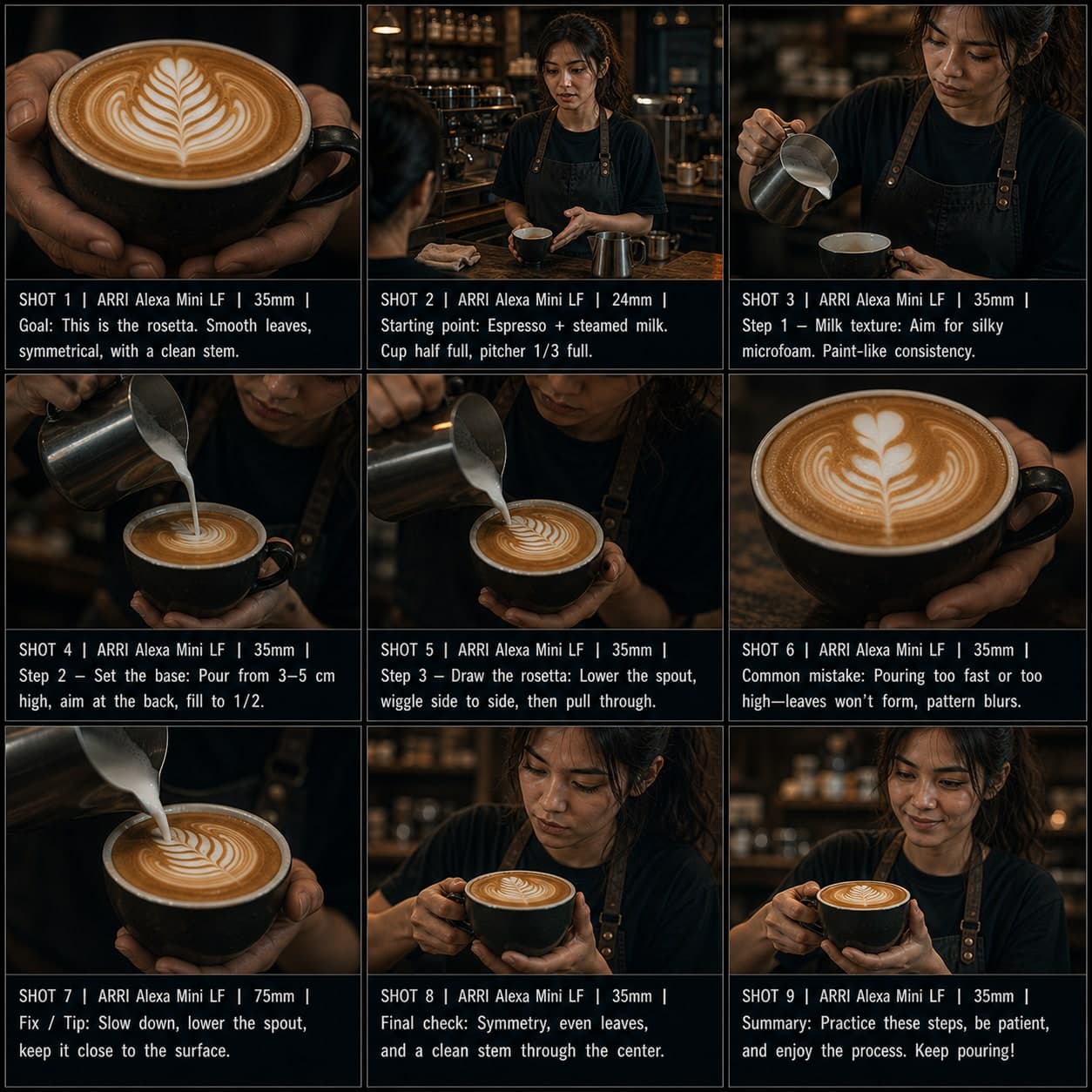 3×3
3×3Schritt-für-Schritt-Tutorial Storyboard-Vorlage
Einen Prozess in geordneten Schritten mit häufigen Fehlern, Korrekturen und einer finalen Prüfung erklären. Eine Schritt-für-Schritt-Tutorial-Storyboard-Vorlage für How-to-Videos.
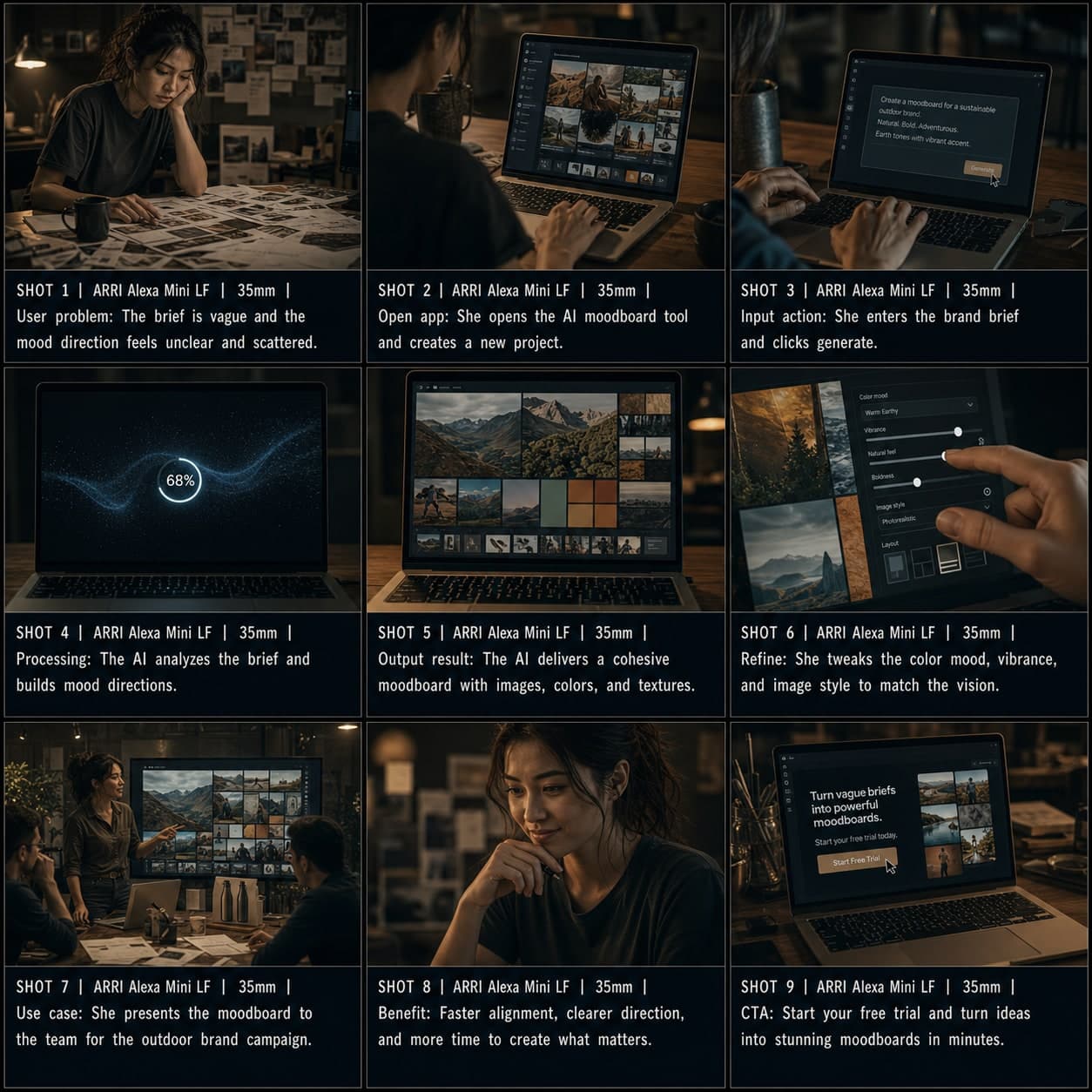 3×3
3×3App / SaaS-Demo Storyboard-Vorlage
Einen Software- oder KI-Tool-Workflow vom Problem über Eingabe, Ausgabe bis zum CTA demonstrieren. Eine App-Demo-Storyboard-Vorlage für SaaS-Walkthrough-Videos.